
Cyan Heart is a horror exploration game from solo developer Shoei Sio. It came out on Steam on October 8, 2026, and it costs $10.99.
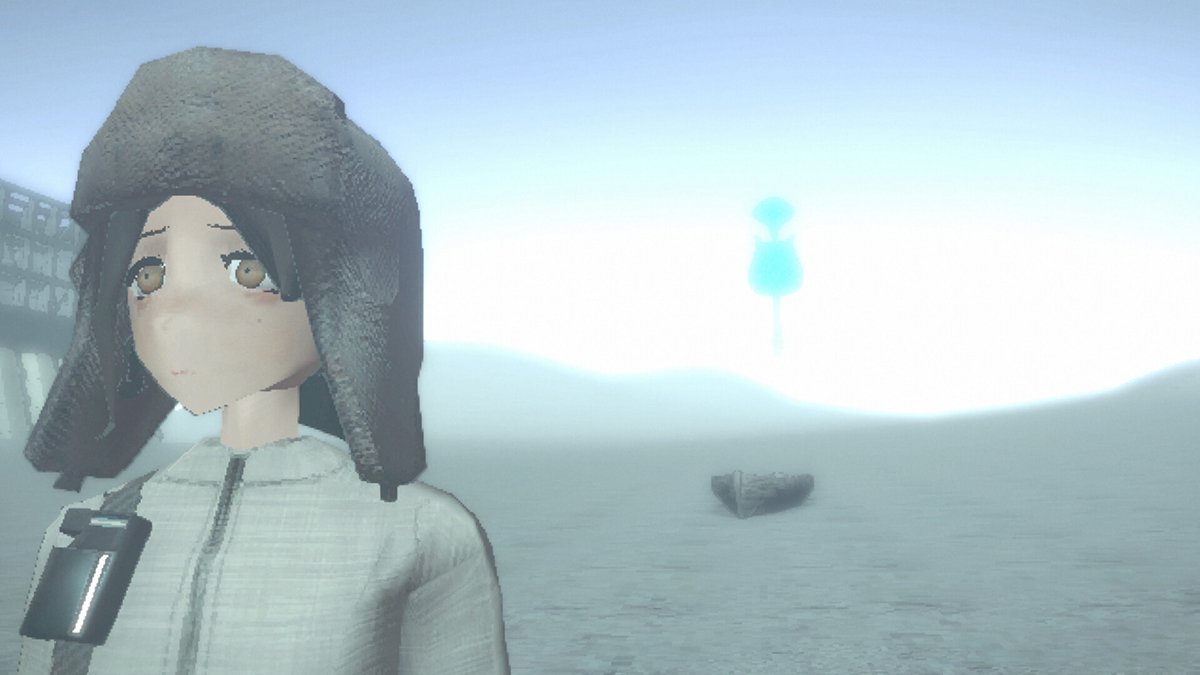
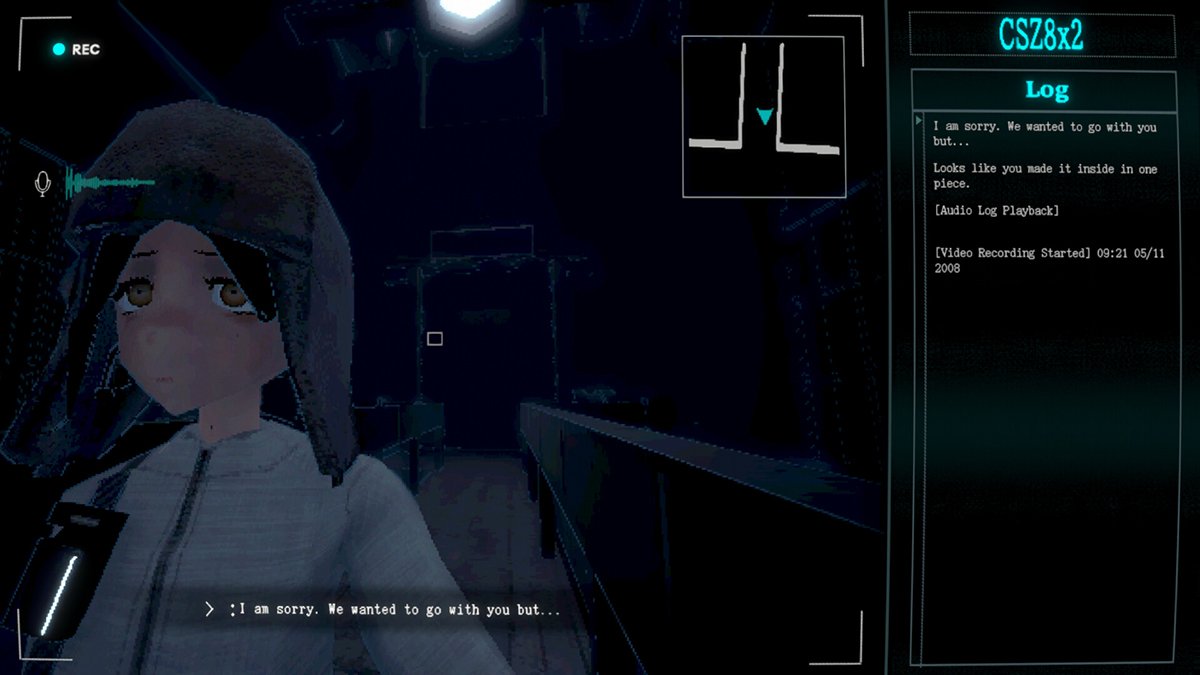
The hook is the camera. Sarah, the girl you’re guiding, keeps it pointed at her own face the whole time, so you see what’s behind her and never what’s in front.
Playing it is a lot like backing a moving truck down an alley. You’ve got mirrors, a backup camera, a spotter on the radio, and a passenger whose face tells you when you’re about to hit something.
The developer says outright that the game has no friendly UI and no easy hints. So here’s what I’d want to know before climbing into the cab.
Know what kind of game you bought
The store page says horror. What you get is mostly walking through creepy empty places with a puzzle every so often.
There are a few jump scares, and some areas get dark. If you want something that chases you around for six hours, this isn’t it.
It’s also short. Most people finish in 3 to 4 hours, and the story is linear and split into chapters.
Think of it as one slow, careful drive down one long alley.
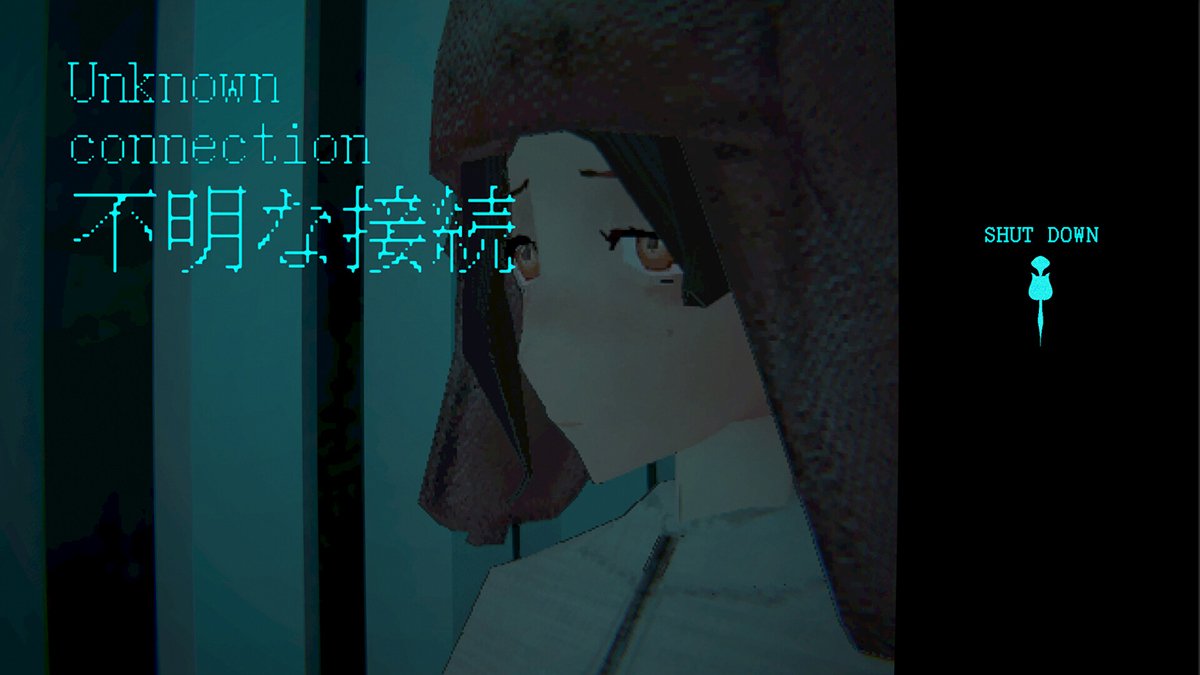
Stop trying to see ahead
Your brain is going to fight the camera for the first twenty minutes. You’ll keep swinging it around looking for the forward view that every other game gives you.
It isn’t there. The lens shows Sarah’s face, the space over her shoulder, and the floor if you tilt down.
So do what a truck driver does and use the mirrors. Watch what slides into frame behind her, because that’s the stuff you just passed.
You figure out where you are from where you’ve been.
Your left and right are backwards
This one trips up everybody at first. You’re facing Sarah, so her left is your right.
Push left and she turns the way that looks like right on your screen. Anyone who has backed up a trailer knows the feeling.
Have you ever turned the wheel the wrong way in reverse and watched the trailer swing toward the fence?
Same thing here. Go through the options menu before you start and look for a setting that inverts the turning, since the developer said one was coming for the full release.
If the default feels wrong after ten minutes, change it. Don’t tough it out.
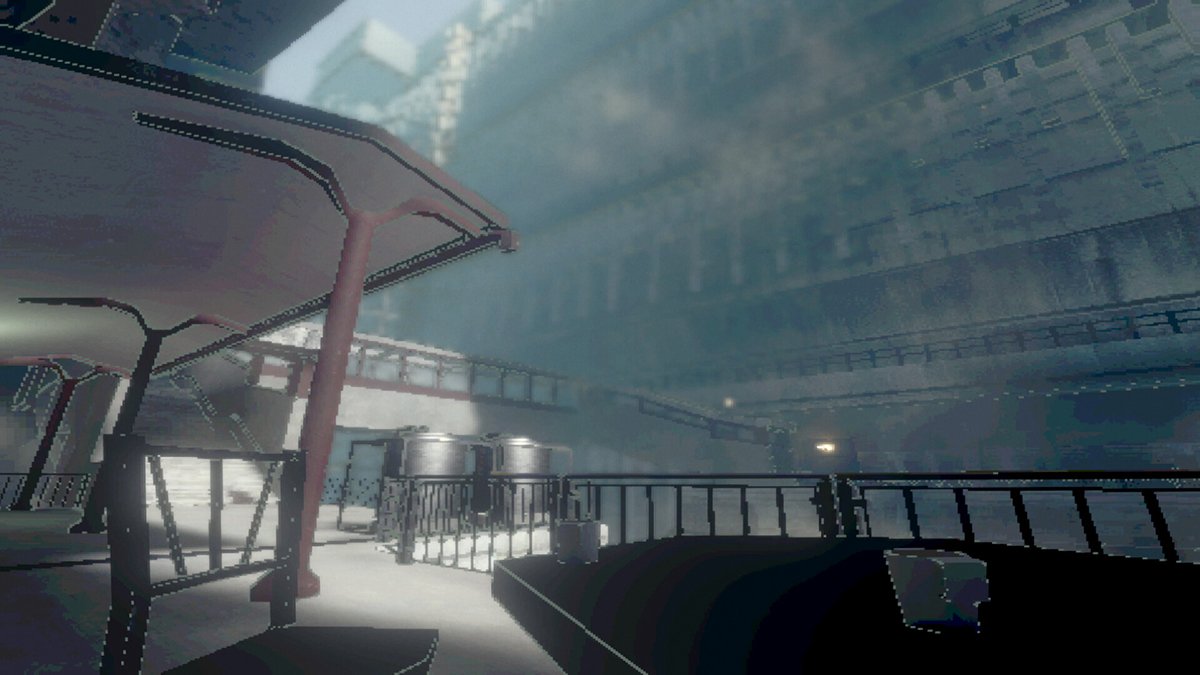
Watch her face
Sarah is the passenger who winces before you clip the dumpster. Her face is the closest thing to a HUD this game has.
She looks toward things you can interact with. She peers around corners as you approach them, and she reacts when you’re close to an objective or walking into extreme heat.
If her eyes keep drifting to one side, stop and check that side.
When she reacts, you stop.
Check the minimap before it fades
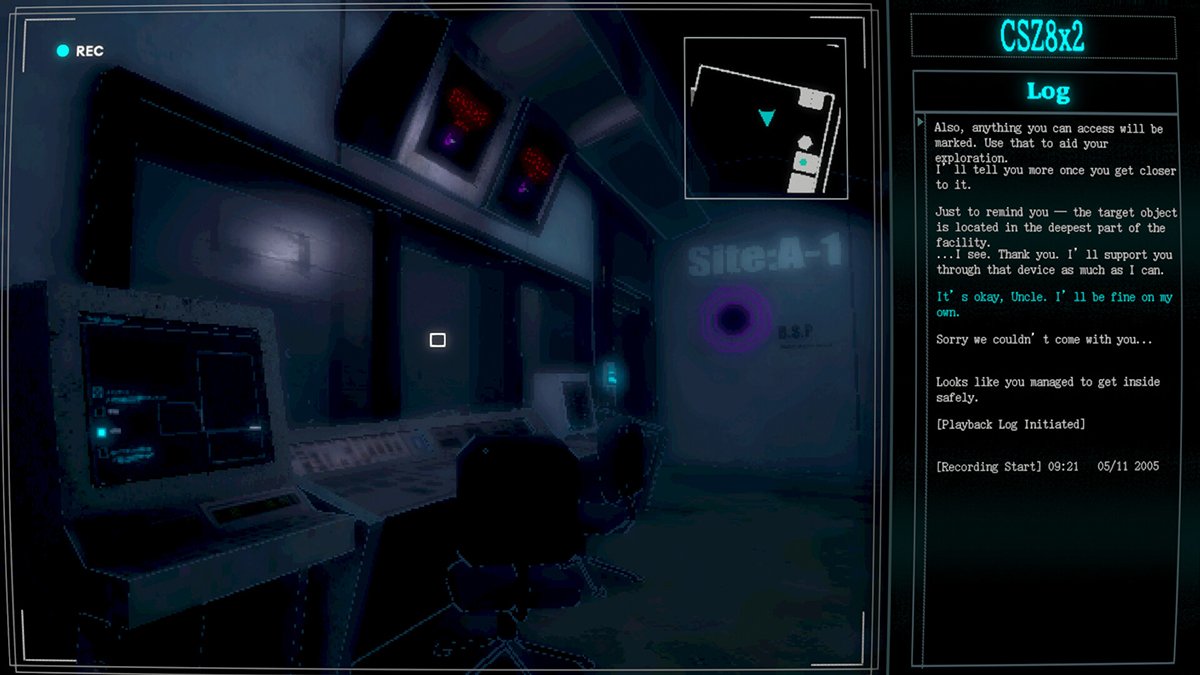
There is a minimap, and it’s your backup camera. The catch is that it fades out on its own.
Early players kept walking Sarah into walls because the map disappeared right when they needed it. A patch on October 10 slowed the fade down, which helps.
It still goes away, so get in the habit of glancing at it every time it shows up.
Read the layout while you have it, then drive from memory.
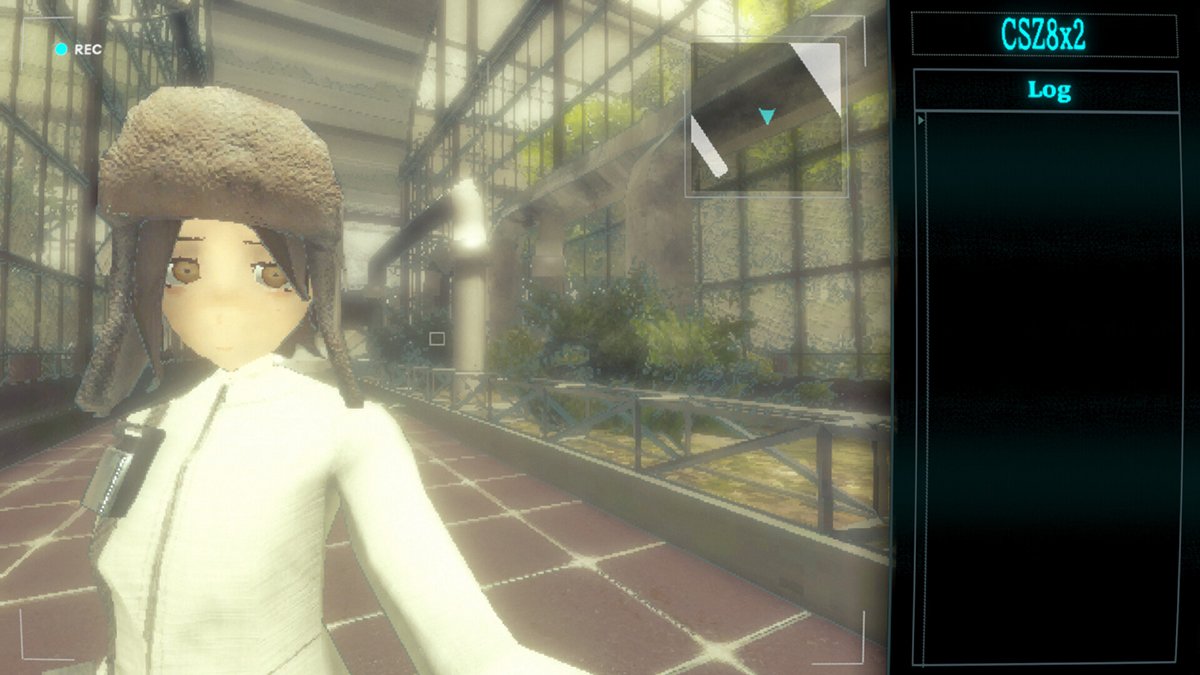
Flip to the front view when you’re lost
The camera can also be flipped to face forward. Yes, that sounds like it breaks the whole idea.
It doesn’t, because you use it in short bursts. It’s the trucker getting out of the cab to walk around the back and look.
Use it when you’ve lost your bearings, or when you can’t tell what Sarah is staring at. Then flip back and keep moving.
Getting out to look costs you a few seconds. Guessing costs you a lot more.
Point the camera at things, including up and down
The camera is also how Sarah touches the world. Aim it at an object and she can examine it or operate it, and that covers terminals and machinery.
The part people miss is the vertical. Some of what you need is above her head or down at her feet.
If a room looks like a dead end, tilt the camera all the way up and all the way down before you leave. A dead end usually means you haven’t looked up yet.
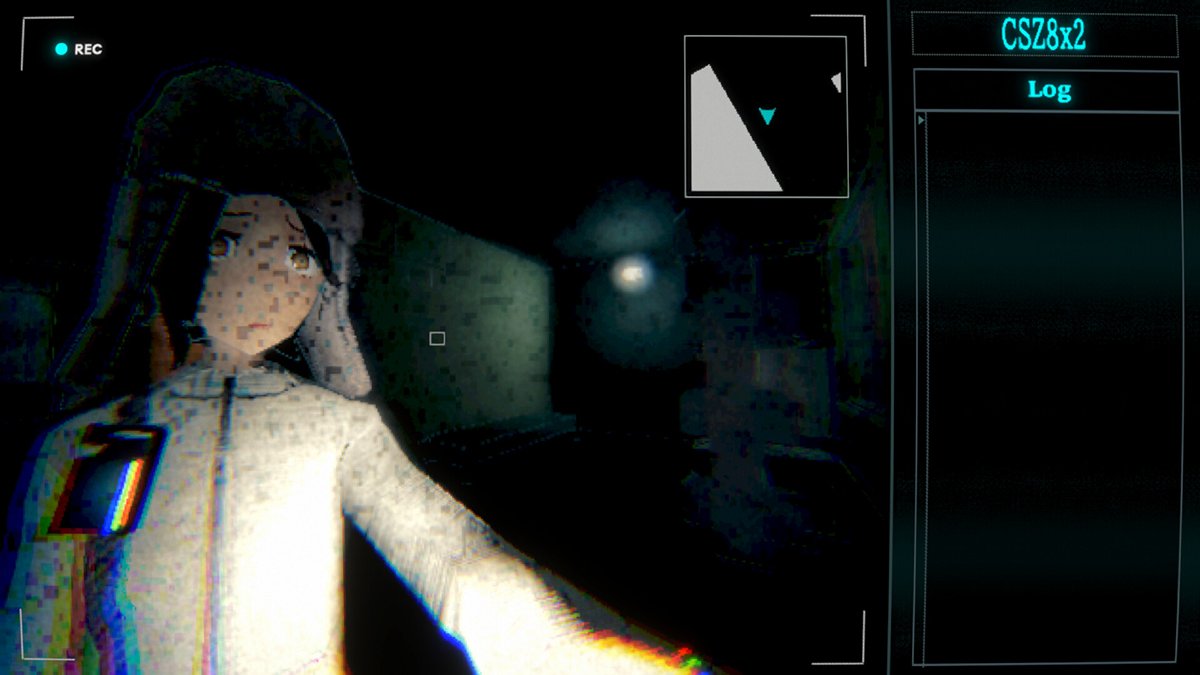
Listen to your spotter
Sarah isn’t completely alone. Her companions talk to her through the camera, and those voice transmissions are the hint system.
Nothing on screen is going to hand you an objective marker. What you get is somebody on the radio telling you roughly what to do.
So when a transmission starts, stop walking and read the subtitles.
The spotter can see what you can’t. Let them talk.
Cyan stuff is always doing a job
The setup is that this world ran on an energy that could copy any physical effect and repeat it forever. Copy a flame’s heat and you get a heat source that never goes out.
Then the energy turned cyan and unstable. The facility you’re exploring is abandoned, and its machines are still running like people work there.
That matters for puzzles. Every cyan object is repeating one effect, and you’re supposed to either stay out of its way or put it to work.
Before you walk past something cyan, work out what it’s doing.
How the socket and crane puzzle thinks
One puzzle stopped a lot of players at launch. You move sockets around with a crane, and following the diagram in the room does nothing.
The October 10 patch made this puzzle much simpler, so I won’t walk you through a layout that may have changed. The logic is what you need.
A socket only counts if the slot is powered. Put one in a slot with a blue lamp and the slots around it light up white, and a white slot can take the next socket.
So you’re building a chain, like running extension cords from one outlet. The diagram shows where the sockets end up, and it leaves out how the power gets there.
Watch what happens when you carry a socket near the one that fell on the floor. A cyan line appears, and that’s the game telling you the fallen socket can carry the chain across.
Get power to the slots first, then match the diagram.
Play with a mouse and keyboard if you can
The game has full controller support, and it works fine. The camera does a lot of precise pointing, though, and a mouse is better at that.
If you own both, start on mouse and keyboard. The controls feel odd for the first while either way, and that part passes.
Give it half an hour before you decide the controls are bad.
Update first, and know the workarounds
This is a one-person game that launched a few days ago. The developer has been patching fast, so make sure you’re on version 1.1.0 or later.
That update fixed objects you could walk straight through and a bug where progress didn’t load in certain areas. It also added support for screens that aren’t 16:9.
Two launch problems are worth knowing about anyway. If Continue ever drops you in the wrong place, start the chapter from the chapter select menu.
And if the screen stays black after a cutscene, flip to the front view and back again.
Neither one costs you your save.
Don’t expect the story to explain itself
You’re going to finish this with more questions than answers. That’s on purpose, and the developer has said they want players coming up with theories.
So read the logs, pay attention to the odd details, and keep track of anything that feels off. A lot of it means something.
If you need everything spelled out by the credits, go in knowing you won’t get that.
Put it in park
Cyan Heart is three or four hours of going backward with good mirrors and a passenger worth watching. Go slow, trust Sarah’s face, and get out to look whenever you’re unsure.
If you like short horror games with an odd idea at the center, we’ve also got beginner tips for Static Dread: The Submarine, Happy’s Humble Burger Cult, and Welcome to Elderfield. For more small games like this one, check our best indie games of September 2026.
–
Images in this article are from the Cyan Heart page on Steam and used under Fair Use.
Want to start your own blog, a personal website or something for your small business or side hustle? Site Ground is the absolute best web hosting company out there
You Might Also Like...
Mouse Polling Rate 1000 vs 2000 vs 8000 Explained (What It Really Changes, and What to Use)

Mouse polling rate is one of those settings that sounds insanely importan (like flipping from 1000 Hz to 8000 Hz should instantly turn you into an esports god) but in real life it’s more nuanced. If…
How to Force Borderless Fullscreen in PC Games (Every Method That Actually Works)
If you've ever tried to alt-tab out of a PC game and watched your screen freak out for a solid five seconds, you already know why borderless fullscreen mode exists. It's the sweet spot between…
How to Fix Xbox Controller Not Detected on Windows 11
So you've sat down for a gaming session, grabbed your Xbox controller, and… nothing. Windows 11 acts like it doesn't exist. No vibration, no light, no input. Don't worry, you're not alone, and this…
Japanese Rural Life Adventure: Beginner Tips You Need to Know

Japanese Rural Life Adventure has finally made the jump from Apple Arcade to Steam, and if you're a fan of cozy farming sims like Stardew Valley or Harvest Moon, this one absolutely deserves a spot…
Under the Island Tips: The Ultimate Beginner’s Guide to Seashell Island
If you're just stepping onto Seashell Island for the first time, you're in for a treat. Under the Island is a 2D top-down action-adventure that wears its classic Zelda inspiration proudly, mixing…
Retrace the Light Tips: A Beginner’s Guide With Puzzle, Combat, and Exploration Tricks

If you’re looking for Retrace the Light tips or a quick beginner’s guide to Retrace the Light, the biggest thing to know is this: the game is built around a mindset shift. It’s not just “solve…
18 Indie Games that are Better than Most AAA Major Releases
Last updated December 31, 2025. There's been a massive explosion of amazing indie games in recent years. Having an alternative to the massive AAA games is always a good thing and many of these indie…
All Unicorn Overlord Characters: Recruitment Guide, Builds, and Missables
This master post rounds up every recruitable character in Unicorn Overlord, with an alphabetical list linked to a detailed guide for each character. You’ll also find practical tips on recruiting,…
The Top 10 Nintendo 64 Games You Need to Play
The Nintendo 64 launched after the Super Nintendo in 1996 and was Nintendo's first console with fully 3D 64-bit graphics. It's one of the most famous and well-recognized systems in videogame history,…
Golden Sun Djinn Guide and Djinn Location Guide
The Djinn system in the Game Boy Advance classic, Golden Sun, introduces a novel and intricate layer to the traditional RPG formula, setting it apart from its contemporaries. This system not only…
The Top 10 Super Nintendo Games You Still Need to Play
The Super Nintendo Entertainment System (SNES) is a legendary video game console that holds a special place in the hearts of gamers around the world. Released by Nintendo in 1990 (in Japan) and 1991…