
Active Matter is Gaijin’s new extraction shooter, and it came out on September 15 for PC, PS5, and Xbox Series X|S.
It costs $29.99, and there’s a lot more to it than that price makes you expect.
You’ve got realistic military gunplay, gravity-bending anomalies, SCP-style monsters, four different currencies, a Refiner, a Replicator, and a progression system named after the Greek alphabet.
That’s a lot to take in on day one. Most new players get buried before they figure out what half the menus do.
So here’s how I think about it. Active Matter is a casino.
Your gear is your chips. The zone is the house.
And the house always wants its chips back.
Every tip below is about one thing: walking out with more than you walked in with.

Start in Isolated raids before you touch Open raids
The Missions Terminal gives you a few ways into the zone. The one you want first is the Isolated raid.
Isolated raids are PvE only. No other squads, just AI enemies, anomalies, and the map itself.
Open raids are where other players show up, and they want your stuff. You’ll get there eventually, since Open raids have higher-tier objectives Isolated doesn’t.
But why sit down at the high-stakes table before you know the rules?
Learn the maps in Isolated first. Move up once you stop getting lost.

Buy the safe container before anything else
When you start, the game hands you some Crystallised Active Matter, or CAM. It’s the premium currency, and you earn more later through Priority Raids and Investigations.
You’re going to be tempted to convert it into credits. Don’t. Spend it on a safe container first. Whatever you put in there gets teleported back to your shelter when you die.
That’s the chips in your pocket. The house can clean out your whole kit, but it can’t touch those.
The safe container is the single best purchase you’ll make early on. Get it before you buy anything else.

Know two ways out before you deploy
Every raid has a timer, and the zone doesn’t wait for you. When it collapses, anything you haven’t extracted is gone.
Before you drop in, check the pre-deployment map. Extraction points are marked with a little green running figure.
Memorize at least two of them. One of them will be blocked, camped, or on the far side of a fight you don’t want.
Think of it like knowing where the cashier’s window is before you start playing. If you don’t know where the exits are, you’re just donating.

Cash out early
This is where most new players lose everything. You find some good loot, you feel great, and you decide to check just one more building.
Then you die. And the time loop sends you back to the start with nothing but what’s in your safe container.
Replacing a starter kit takes a real chunk of your credits. Do that a few times in a row and you’re kind of screwed until you grind it back.
A small extract is still a win. A big wipe is just a loss with extra steps.
If your bag is decent and an exit is close, leave.
If you’ve read our Scavland beginner tips, you already know this lesson. Active Matter just charges you more for learning it.

Bring a kit you can afford to lose
Your best gun doesn’t need to come on every raid. Early on, it probably shouldn’t.
Build a cheap, reliable loadout and save it as a preset. That way, re-gearing after a death takes seconds instead of a whole trip through the shop.
You don’t bet your whole bankroll on your first hand. Same idea here.
Once you know a map and can extract from it consistently, then you start bringing the expensive stuff.
Cheap kits cure gear fear. Your good stuff can wait until you know the map.

The Monolith wants extractions, not just money
The Monolith is Active Matter’s main progression system. It’s a ladder of access levels named after Greek letters, starting at Alpha.
Each level unlocks new weapons, raids, and recipes. To climb it, you spend Monolith Tokens.
Here’s the catch. Tokens alone aren’t enough.
Higher levels also require successful extractions on specific maps. You have to actually get out alive from those places.
This is the VIP room at the casino. You can’t just throw money at the bouncer, you have to have a history at the tables.
Check what the next Monolith level needs before each raid, and pick your map around it.
Refine your junk instead of hoarding it
You’re going to pull a ton of random stuff out of raids. Your storage will fill up fast.
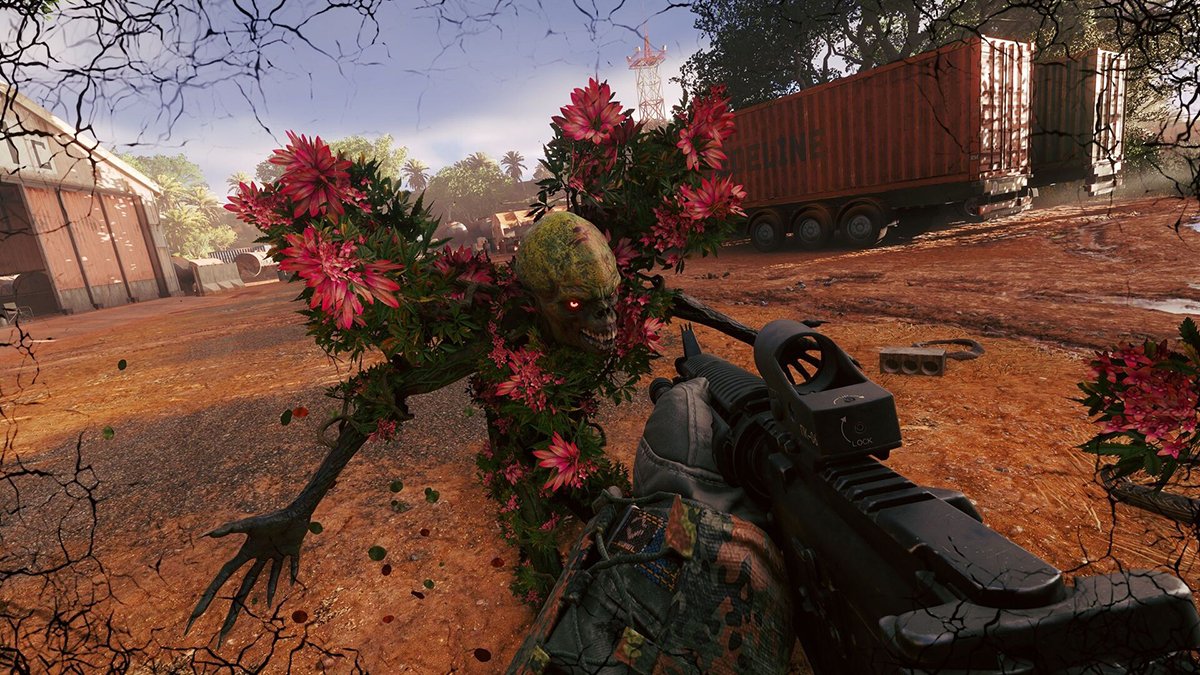
The Refiner fixes that. It breaks down items you don’t need into credits and chronotraces, the materials the Replicator uses.
Items with a blue tint are enriched, and those are worth more when you refine them.
The Replicator is the other half. Extracting an item unlocks its Replicator recipe, so you can print more of it later with chronotraces.
So the stuff you bring home pays you twice. Once when you refine the junk, and again when you unlock the recipe.
Keep the gear you actually use. Refine the rest.
Health works per limb, so treat it that way
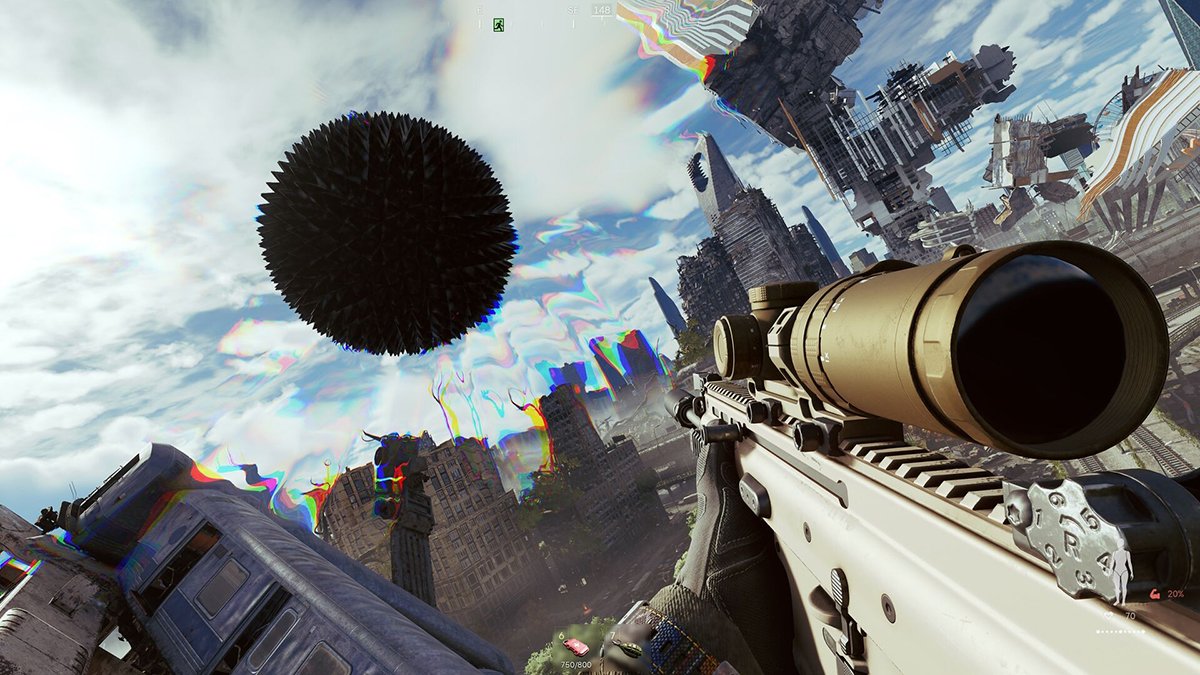
Active Matter doesn’t give you one health bar. Your head, torso, arms, and legs all have their own health pools.
Take a bad hit to the legs and you’ll feel it. Take one to the head and it’s probably over.
Your armor works the same way. Armor plates slot onto specific body parts, and which slots you get depends on your Body Sleeve.
Plates also wear down, so don’t assume the plate that saved you last raid will save you again.
Put your meds in your quick-use slots. Pulling them out of your backpack adds a delay, and a second or two is a long time in a firefight.
If you can’t heal fast, you can’t cash out.

Skip the fights you don’t need
The AI in Active Matter likes to rush you. A lot.
Then there are the anomalies, which bend gravity and space in ways that’ll wreck you if you walk in without thinking.
Every fight costs ammo, meds, and armor durability. That’s chips leaving your stack.
If a fight doesn’t get you closer to your objective or your exit, go around it.
Anomalies aren’t only hazards, either. Some of them open up vertical routes you can use to get around trouble or reach loot other players miss.
Winning a fight you didn’t need to take still costs you.
Squad up and learn how beacons work
You can play solo. Matchmaking supports it.
But it’s a lot harder, especially in Open raids where you can run into a full squad on your own.
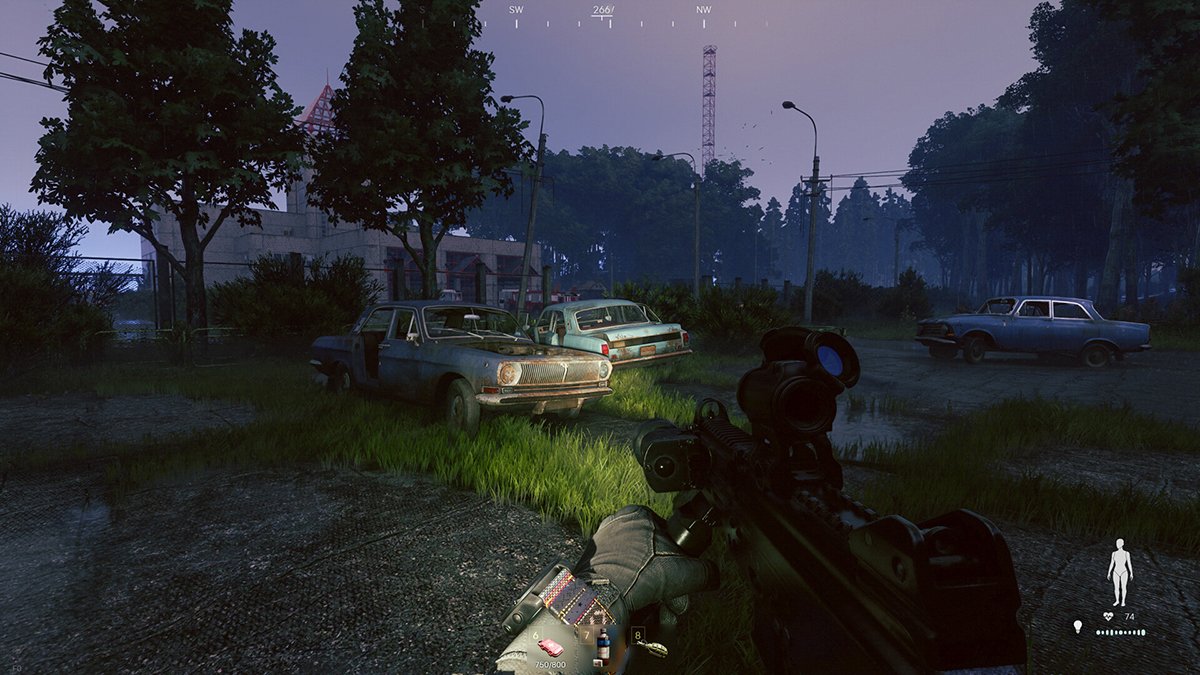
Squads also get more out of respawn beacons. Beacons can bring you back into a raid after you go down, but there are catches, and you rarely come back with the kit you went down with.
Learn how they work in Isolated raids, where a mistake only costs you time.
Having a friend watch your back is the cheapest armor in the game.

Change two settings before your first raid
This one’s quick. Go into the graphics menu and turn off motion blur and film grain.
Both make it harder to spot enemies at a distance. That’s not a great trade in a game where the other guy might see you first.
Active Matter runs on Gaijin’s Dagor Engine, the same one behind War Thunder. It already looks good without the extra filters.
Clarity beats cinematic when your gear is on the line.
The economy in Active Matter is tight, and early on, prices run high compared to what you earn. Every extract grows your stack, and every wipe sets you back.
The house always wants its chips back.
The players who come out ahead are the ones who know when to cash out.
–
Images in this article are from the Active Matter page on Steam and used under Fair Use.
Want to start your own blog, a personal website or something for your small business or side hustle? Site Ground is the absolute best web hosting company out there
You Might Also Like...
Mouse Polling Rate 1000 vs 2000 vs 8000 Explained (What It Really Changes, and What to Use)

Mouse polling rate is one of those settings that sounds insanely importan (like flipping from 1000 Hz to 8000 Hz should instantly turn you into an esports god) but in real life it’s more nuanced. If…
How to Force Borderless Fullscreen in PC Games (Every Method That Actually Works)
If you've ever tried to alt-tab out of a PC game and watched your screen freak out for a solid five seconds, you already know why borderless fullscreen mode exists. It's the sweet spot between…
How to Fix Xbox Controller Not Detected on Windows 11
So you've sat down for a gaming session, grabbed your Xbox controller, and… nothing. Windows 11 acts like it doesn't exist. No vibration, no light, no input. Don't worry, you're not alone, and this…
Japanese Rural Life Adventure: Beginner Tips You Need to Know

Japanese Rural Life Adventure has finally made the jump from Apple Arcade to Steam, and if you're a fan of cozy farming sims like Stardew Valley or Harvest Moon, this one absolutely deserves a spot…
Under the Island Tips: The Ultimate Beginner’s Guide to Seashell Island
If you're just stepping onto Seashell Island for the first time, you're in for a treat. Under the Island is a 2D top-down action-adventure that wears its classic Zelda inspiration proudly, mixing…
Retrace the Light Tips: A Beginner’s Guide With Puzzle, Combat, and Exploration Tricks

If you’re looking for Retrace the Light tips or a quick beginner’s guide to Retrace the Light, the biggest thing to know is this: the game is built around a mindset shift. It’s not just “solve…
18 Indie Games that are Better than Most AAA Major Releases
Last updated December 31, 2025. There's been a massive explosion of amazing indie games in recent years. Having an alternative to the massive AAA games is always a good thing and many of these indie…
All Unicorn Overlord Characters: Recruitment Guide, Builds, and Missables
This master post rounds up every recruitable character in Unicorn Overlord, with an alphabetical list linked to a detailed guide for each character. You’ll also find practical tips on recruiting,…
The Top 10 Nintendo 64 Games You Need to Play
The Nintendo 64 launched after the Super Nintendo in 1996 and was Nintendo's first console with fully 3D 64-bit graphics. It's one of the most famous and well-recognized systems in videogame history,…
Golden Sun Djinn Guide and Djinn Location Guide
The Djinn system in the Game Boy Advance classic, Golden Sun, introduces a novel and intricate layer to the traditional RPG formula, setting it apart from its contemporaries. This system not only…
The Top 10 Super Nintendo Games You Still Need to Play
The Super Nintendo Entertainment System (SNES) is a legendary video game console that holds a special place in the hearts of gamers around the world. Released by Nintendo in 1990 (in Japan) and 1991…