
Linebound is one of those games that clicks the moment you understand what it is asking of you, and falls apart a little when you don’t. It is a 2D asymmetric co-op puzzle platformer where one player draws the level while the other plays through it.
One of you becomes the Artist, sketching platforms onto the page in real time. The other becomes Sketch, the little hand-drawn character living inside the book who has to hop across everything you draw.
It takes place inside a living sketchbook, runs across 18 hand-crafted levels, and most people roll credits in about an hour. It is also currently free to keep during its launch month, so there has never been a better time to grab a friend and dive in.
Here are the tips that will save you the most frustration on your first run.
Understand the two roles before you start
Linebound is built around the gap between two perspectives, and you cannot really play it well until both of you understand that gap.
The Artist sees the whole page from the outside. You have the bird’s-eye view, you can see where the exit is, and you control the platforms that make the level possible.
The Sketch lives inside the book and only experiences the world from the ground. You feel the momentum, the jumps, and the danger up close, but you do not have the same big-picture read on the page.
Neither role is the “main” one. The Artist is useless without someone to navigate, and the Sketch literally cannot move forward without platforms to land on.
Talk through this out loud before your first level. Just knowing that you are each seeing a different version of the same page changes how you communicate.

Communication is the whole game
This is the big one. Linebound is less a platformer and more a conversation with jumping, and the teams that struggle are almost always the teams that go quiet.
Get in the habit of calling out actions before they happen. The Sketch should say “I’m jumping now” or “I’m going to wait here,” and the Artist should say “platform’s coming on your right.”
Agree on a tiny bit of shorthand early. Words like “higher,” “shorter,” “ramp,” and “wait” do a lot of work when you are both reacting in real time.
The Sketch should describe what they actually see on the ground, since the Artist’s outside view does not always match the feel of a jump. A gap that looks fine from above can be a nightmare to clear from inside the page.
If something keeps going wrong, stop and reset the plan instead of repeating the same failed attempt faster.
A five-second chat fixes more than ten panicked retries.
This team-puzzle communication is the same muscle you flex in other co-op games, and if you enjoy it, our beginner’s tips for Inkwellers cover another game built entirely around coordinating with a partner.
Tips for the Artist
Drawing sounds like the easy job. It is not, and your lines decide whether your partner has a good time or a miserable one.
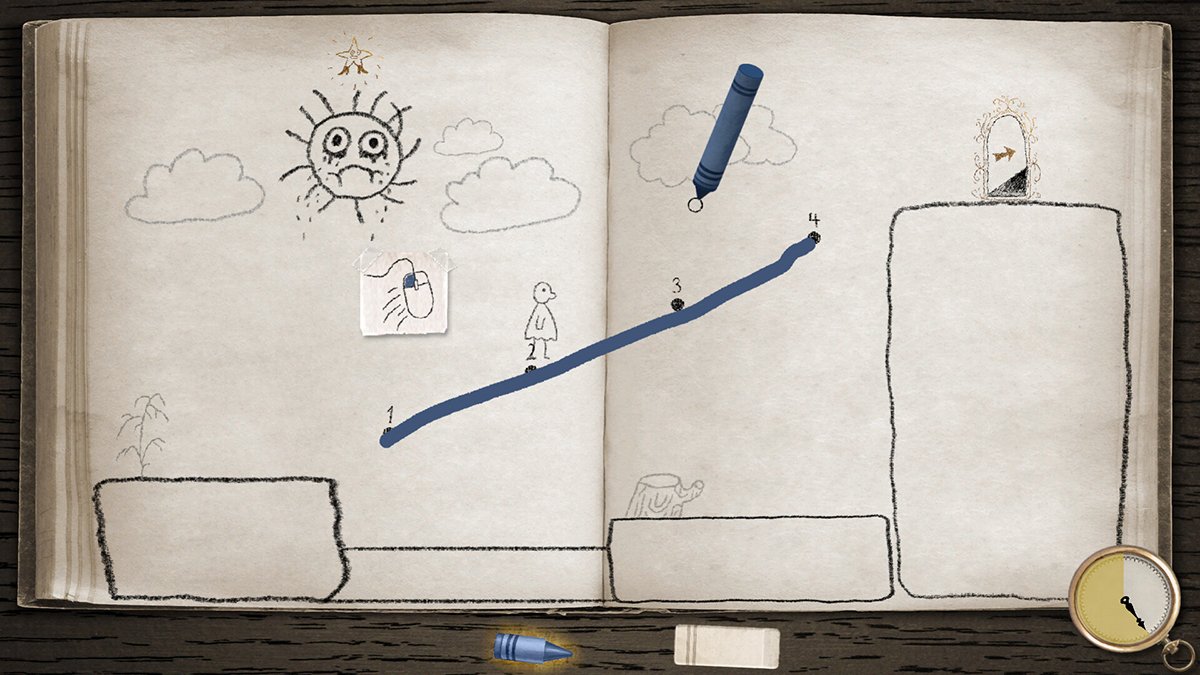
Draw clean, simple platforms rather than elaborate shapes. A flat, solid ledge in the right spot beats a fancy curve every single time.
Resist the urge to over-draw. Filling the page with lines makes it harder for the Sketch to read where they are actually supposed to go, and it can box them into a corner.
Account for momentum and slope. The Sketch carries speed, so a steep ramp can fling them somewhere you did not intend, while a flat surface gives them control.
Always give your partner enough runway. A platform that is too short or placed a hair too far means a missed jump, so leave a little margin for landing.
If a line is not working, redraw it instead of forcing your partner to thread an impossible needle. You are the level designer here, so design something fair.
Tips for the Sketch
Your job is patience, timing, and trust. The Artist is doing their best, and rushing ahead of what they have drawn is the fastest way to fall off the page.
Wait for the platform to exist before you commit to a jump. It feels slow at first, but the rhythm of “draw, then move” is the heartbeat of the whole game.
Time your jumps deliberately rather than mashing the button. A lot of early failures are just the Sketch leaping a beat too early.
Trust the line your partner draws even when the angle looks strange from the ground. They can see the full page, so if they say a ramp will work, give it a real attempt before second-guessing.
Tell the Artist exactly where you want to land. “Put a ledge right above me” is far more useful than a vague “I’m stuck.”
Platforming fundamentals carry over from other 2D games, so if you want to sharpen your general movement instincts, our Pipistrello and the Cursed Yoyo beginner’s guide has solid tips on jumping, timing, and reading a level.
Going for three stars
Each level has objectives that earn you up to three stars, and this is where Linebound hides its replay value.
The catch that trips people up is simple but strict. You generally need to complete all the objectives in the same run for them to count toward three stars.
That means you cannot grab one star on one attempt and another on a later attempt and stack them. A clean three-star run is one continuous, tidy playthrough of the level.
Because of that, treat your first pass through a level as reconnaissance. Learn where the objectives are and what the level wants, then go back for a focused, planned attempt once you both know the route.
Talk through the plan before you start the star run. Decide which objective you are grabbing first, where the tricky platforming is, and who needs to do what.
Setup, online play, and playing solo
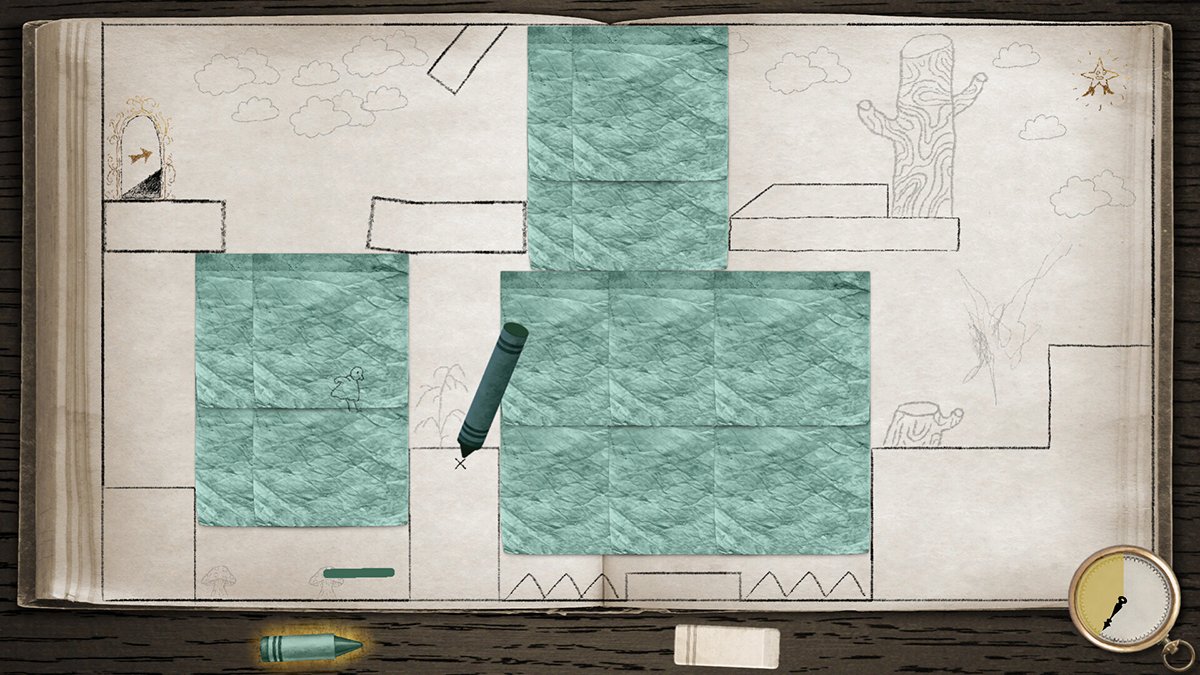
Linebound is designed as a local co-op game first, so the simplest way to play is two controllers on the same machine, sitting next to each other.
If your partner is not in the room, you can still play online, but it is not built in. You will need Steam Remote Play Together or Parsec to share the game across the internet.
Set that up before your session rather than mid-level, since wrangling streaming software is not how you want to spend the mood. A quick test run of Remote Play Together saves headaches later.
A controller is the recommended way to play, especially for the Sketch, where analog movement gives you finer control over jumps.
And yes, you can play solo. It is a different experience since you are managing both roles yourself, but plenty of players have enjoyed running it alone, and it is a fun way to appreciate how the two halves fit together.
Settings and small gotchas worth knowing
A few quirks are worth knowing about before they confuse you, because none of them are obvious from inside a level.
The physics can feel wonky at very high frame rates. If the game is running at hundreds of frames per second and movement feels floaty or unpredictable, cap your framerate or turn on vsync to settle things down.
The volume sliders behave oddly too. The bottom chunk of the slider range is close to silent, so if the game seems way too quiet or way too loud, nudge the sliders into their upper range to find a sane level.
There is also a known achievement hiccup. If you earn three stars on a level but the matching achievement does not pop, just open the Level Select screen and it should unlock automatically without you replaying anything.
None of these break the game, but knowing about them up front means you will not waste time thinking you did something wrong.

Play it twice, once as each role
Here is the tip that gets the most out of Linebound. Once you finish, swap seats and play it again.
The Artist and the Sketch are genuinely different games. Drawing the world and living inside it ask completely different things of you, and you only understand half the design until you have done both.
A second run also goes much faster now that you both know the levels, so the time investment is small. It is the cleanest way to fully appreciate what this little sketchbook is doing.
Linebound is short, charming, and built around the simple joy of figuring something out with another person. Grab a friend, talk constantly, and enjoy the doodles.
–
Images in this article are from the Linebound page on Steam and used under Fair Use.
Want to start your own blog, a personal website or something for your small business or side hustle? Site Ground is the absolute best web hosting company out there
You Might Also Like...
Mouse Polling Rate 1000 vs 2000 vs 8000 Explained (What It Really Changes, and What to Use)

Mouse polling rate is one of those settings that sounds insanely importan (like flipping from 1000 Hz to 8000 Hz should instantly turn you into an esports god) but in real life it’s more nuanced. If…
How to Force Borderless Fullscreen in PC Games (Every Method That Actually Works)
If you've ever tried to alt-tab out of a PC game and watched your screen freak out for a solid five seconds, you already know why borderless fullscreen mode exists. It's the sweet spot between…
How to Fix Xbox Controller Not Detected on Windows 11
So you've sat down for a gaming session, grabbed your Xbox controller, and… nothing. Windows 11 acts like it doesn't exist. No vibration, no light, no input. Don't worry, you're not alone, and this…
Japanese Rural Life Adventure: Beginner Tips You Need to Know

Japanese Rural Life Adventure has finally made the jump from Apple Arcade to Steam, and if you're a fan of cozy farming sims like Stardew Valley or Harvest Moon, this one absolutely deserves a spot…
Under the Island Tips: The Ultimate Beginner’s Guide to Seashell Island
If you're just stepping onto Seashell Island for the first time, you're in for a treat. Under the Island is a 2D top-down action-adventure that wears its classic Zelda inspiration proudly, mixing…
Retrace the Light Tips: A Beginner’s Guide With Puzzle, Combat, and Exploration Tricks

If you’re looking for Retrace the Light tips or a quick beginner’s guide to Retrace the Light, the biggest thing to know is this: the game is built around a mindset shift. It’s not just “solve…
18 Indie Games that are Better than Most AAA Major Releases
Last updated December 31, 2025. There's been a massive explosion of amazing indie games in recent years. Having an alternative to the massive AAA games is always a good thing and many of these indie…
All Unicorn Overlord Characters: Recruitment Guide, Builds, and Missables
This master post rounds up every recruitable character in Unicorn Overlord, with an alphabetical list linked to a detailed guide for each character. You’ll also find practical tips on recruiting,…
The Top 10 Nintendo 64 Games You Need to Play
The Nintendo 64 launched after the Super Nintendo in 1996 and was Nintendo's first console with fully 3D 64-bit graphics. It's one of the most famous and well-recognized systems in videogame history,…
Golden Sun Djinn Guide and Djinn Location Guide
The Djinn system in the Game Boy Advance classic, Golden Sun, introduces a novel and intricate layer to the traditional RPG formula, setting it apart from its contemporaries. This system not only…
The Top 10 Super Nintendo Games You Still Need to Play
The Super Nintendo Entertainment System (SNES) is a legendary video game console that holds a special place in the hearts of gamers around the world. Released by Nintendo in 1990 (in Japan) and 1991…