
I want to talk about the thing that actually ends most first runs in Static Dread: The Submarine, because it isn’t the monster.
It’s the duty roster.
You’re the captain’s right hand on a nuclear sub stuck in the North Atlantic, and your whole job is deciding who does what. Get that wrong for a few shifts and you’re staring at a task list you have nobody left to complete.
Here’s the way I’d tell a new player to think about it. Your four crewmates are four phone batteries and there is no charger on this boat.
Every assignment you hand out is screen time. That’s the whole game.
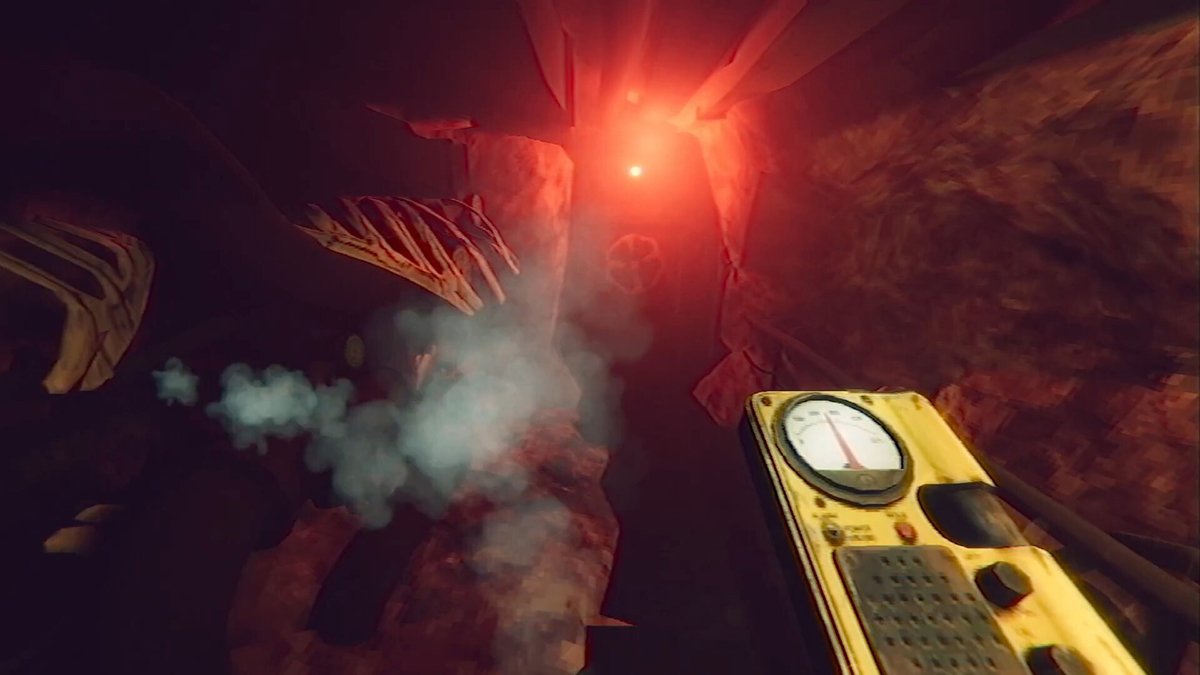
Know what kind of game you actually bought
This is a psychological horror story with a light management layer on top, not a systems-heavy sub sim.
If you came in expecting Barotrauma, adjust now. The minigames are simple press-and-hold stuff, a cooking meter, a hull repair task that most people find annoying rather than difficult.
A run takes about three to five hours. It’s $11.99 on Steam from solarsuit.games, and the reviews sit at Very Positive, which feels about right for what it’s doing.
The setup is Lovecraftian. Your boat loses surface contact in the North Atlantic and starts running into things that shouldn’t be down there.
Alongside the hardware, you’re also tracking what all of this is doing to your crew’s heads. Madness is a real meter here, not set dressing.
You are managing a story, not piloting a submarine.
Your crew is four batteries, not four workers
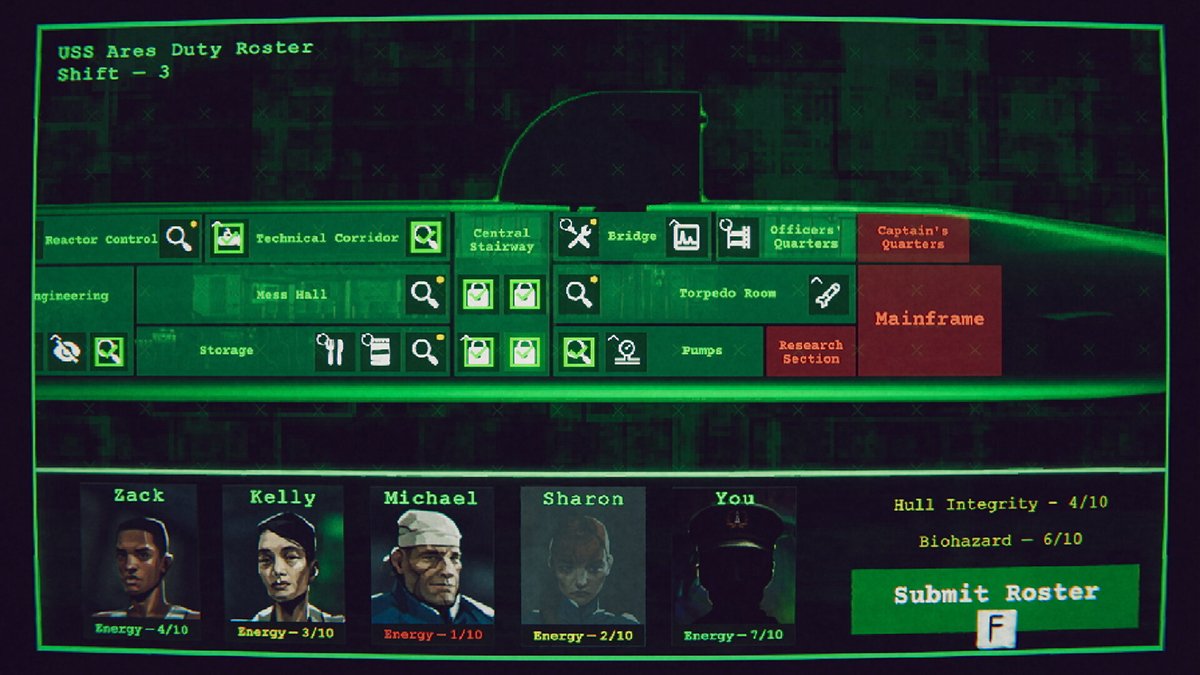
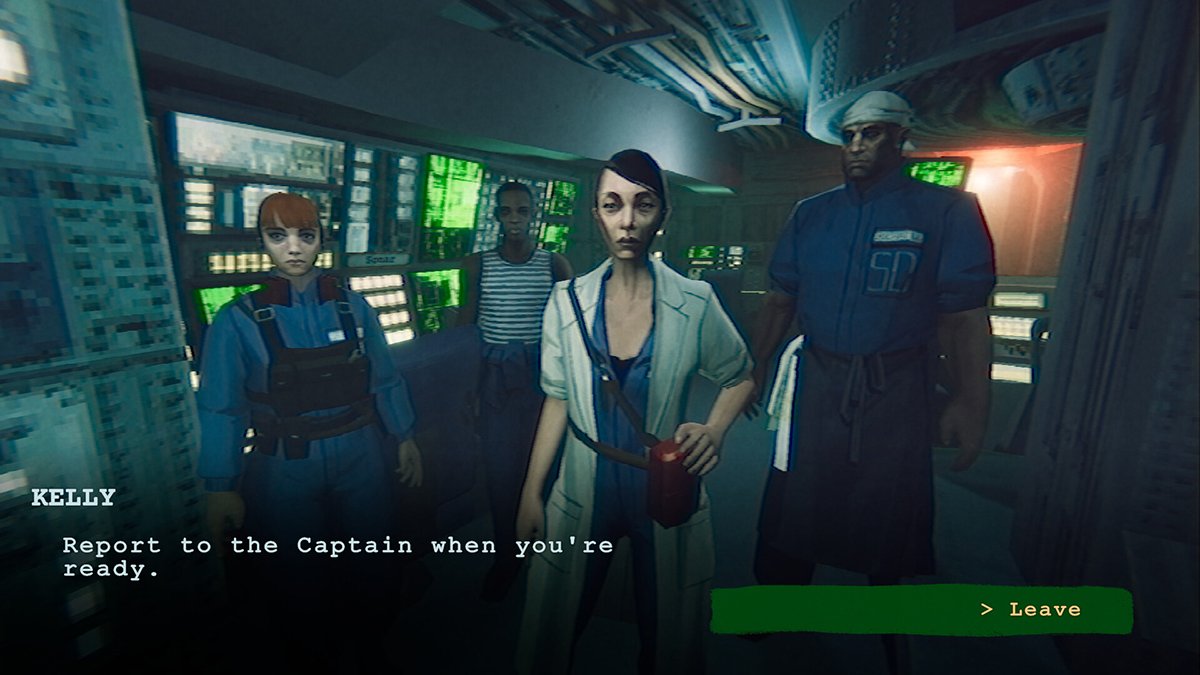
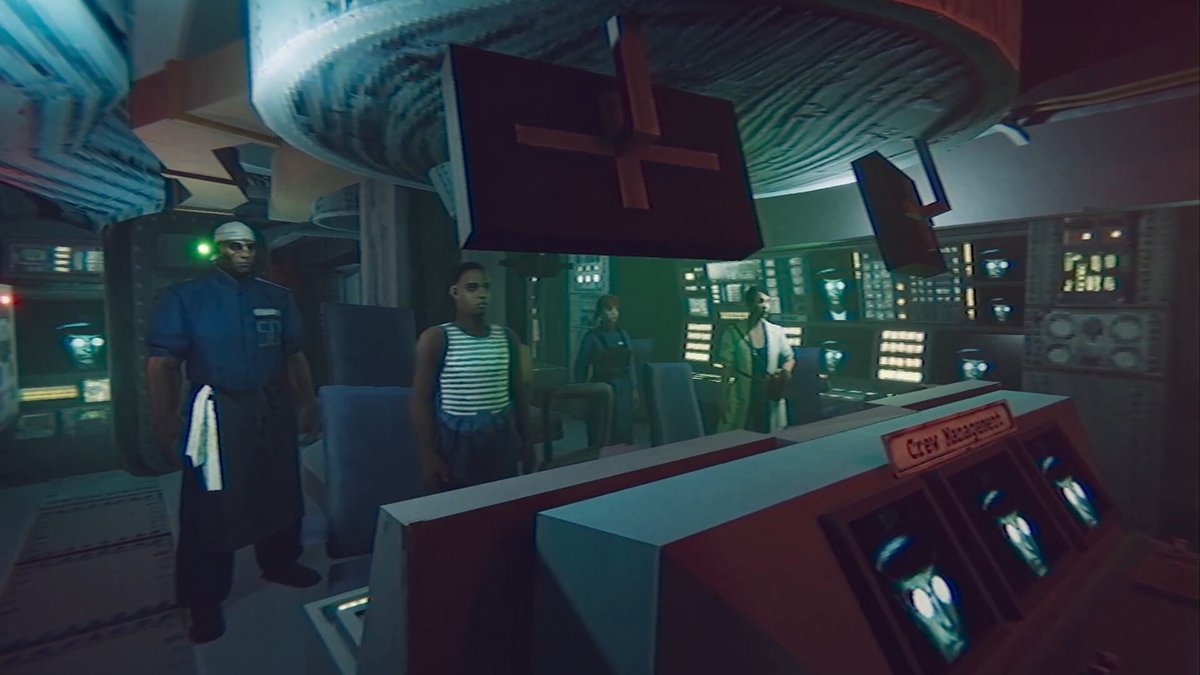
You’ve got Zack, Kelly, Michael and Sharon. Each one has an Energy value out of 10 and every compartment assignment drains some of it.
New players treat these four like employees who show up fresh each shift. They don’t.
Energy carries. Spend Kelly down to 1 on optional busywork and she’s useless when a task actually needs her skill set.
You’ll also notice some compartments are greyed out in red on the roster screen. Those are locked behind story progress, so don’t waste shifts trying to get at them early.
And if you lose a crewmate, their duties fall to you. That’s a bigger deal than it sounds like when you’re already short on shifts.
Energy is the real health bar in this game.
Required access tasks come before anything optional
The roster shows you more tasks than you can afford. That’s on purpose, and it’s where most first runs go sideways.
Early on, the ones that matter are Unlock Pumps (3 Energy, Mechanics), Inspect Engineering (2 Energy, Engineering) and Inspect Technical Corridor (1 Energy, Engineering).
Those open compartments and move the maintenance chains forward. The optional upgrades sitting next to them do not.
So what happens if you do the fun-looking one first?
You burn your specialist, the gate task sits there unfinished, and you lose a shift you’re never getting back. Access first, upgrades later, every single time.
Learn the two ways to get energy back
There are two recovery options and they are not interchangeable.
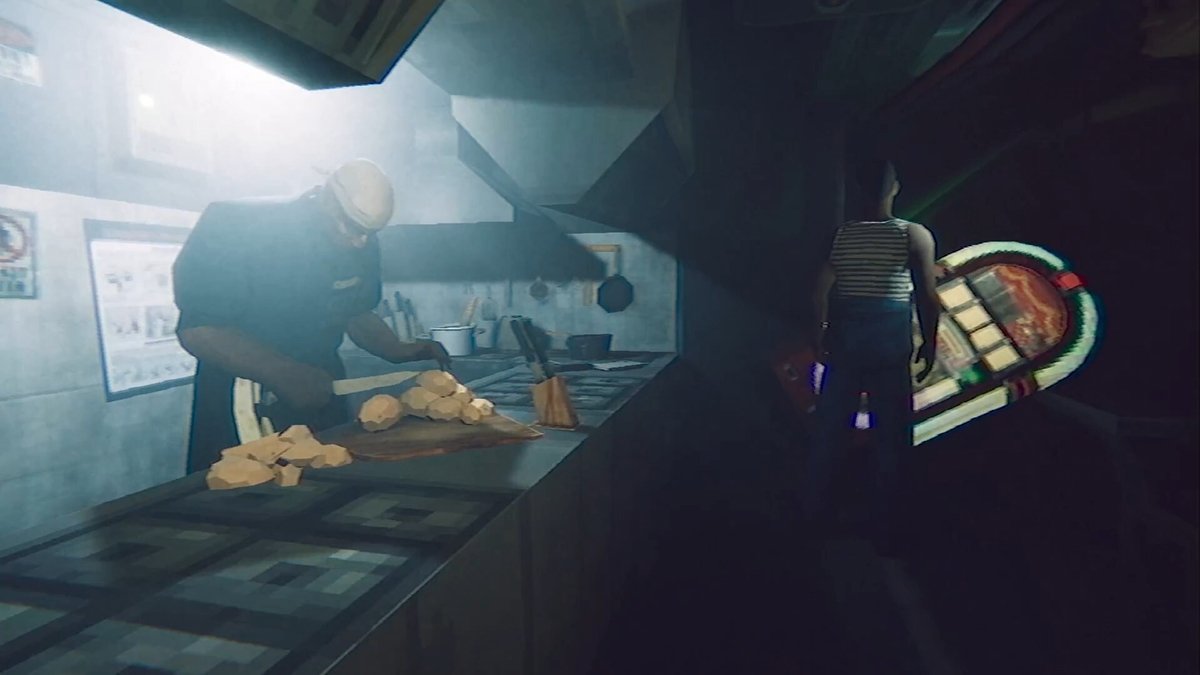
Officers’ Quarters gives 4 Energy to one person. Distribute Rations gives 1 Energy to everybody.
Officers’ Quarters is for when one specialist is your bottleneck and you know exactly which task you need them for next. Rations is for when the whole boat is scraping bottom and nobody can afford anything.
Back to the batteries. One is a proper charge for the phone you actually need, the other is turning the brightness down on all four.
Never act on a sonar contact you haven’t finished analyzing
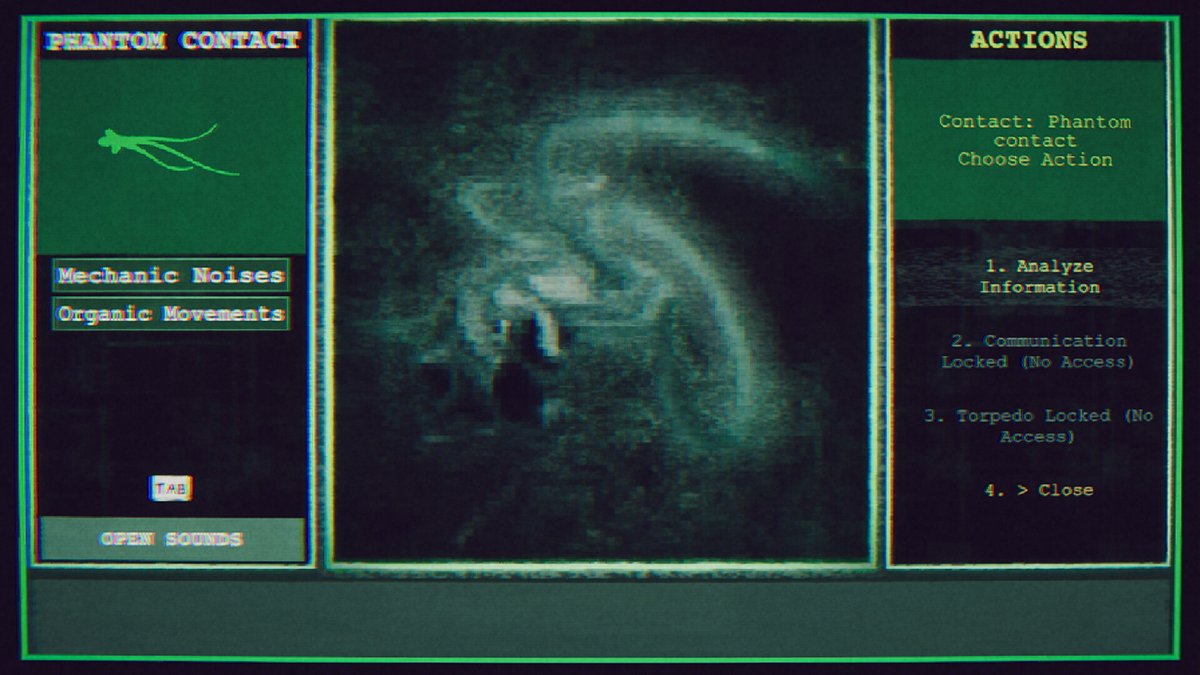
Sonar has a five-step loop and skipping any of it will cost you.
Sweep the field, match the signal, lock the profile, analyze the result, then plan around it. The analysis is what tells you whether a contact should be observed, avoided, or shot.
Silhouettes lie in this game. Something that looks like a vessel isn’t always a vessel, and that ambiguity is the entire point of the horror.
What you’re separating out is animal contacts, mechanical vessels, and signatures the mainframe can’t put a name to. That third category is where you want to be very careful.
An unanalyzed contact is a guess, and guesses get people killed.
Torpedoes are for obstructions, not for anything that moves
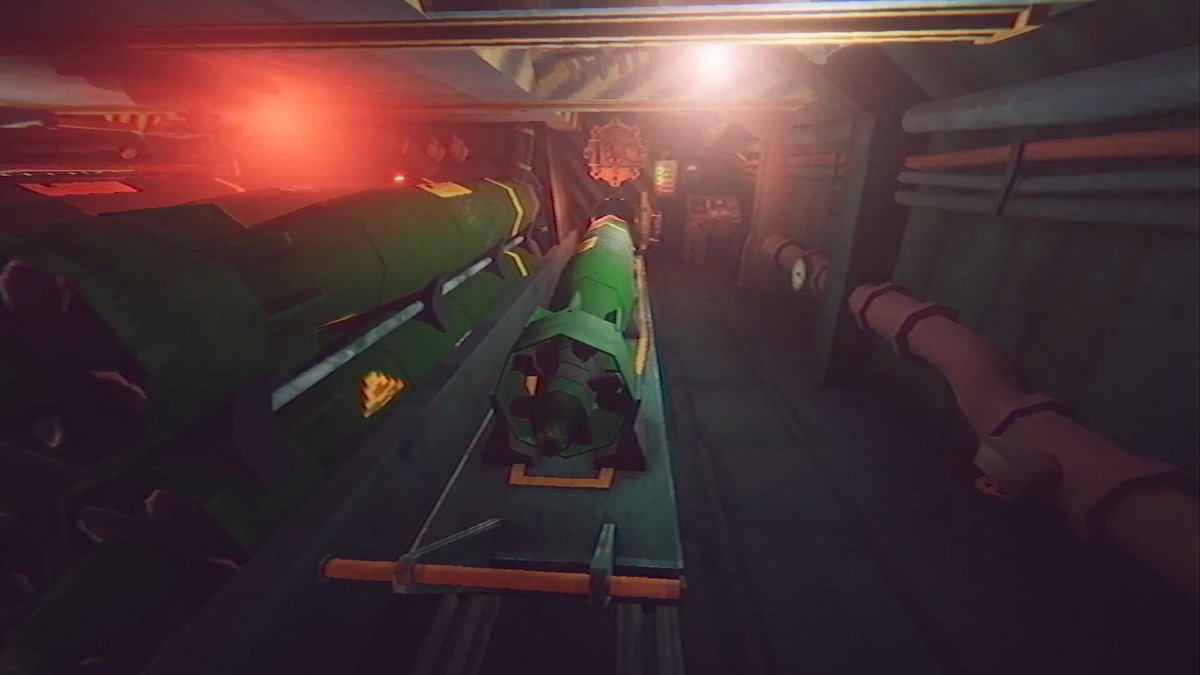
Load torpedoes only when you have a confirmed reason to.
Use them on obstructions the Mainframe has actually flagged as blocking your route. That’s it.
Firing on a contact the analysis marked for observation is one of the fastest ways to wreck a run, and the game will not stop you from doing it.
Repair the hull before you confirm a route, not after
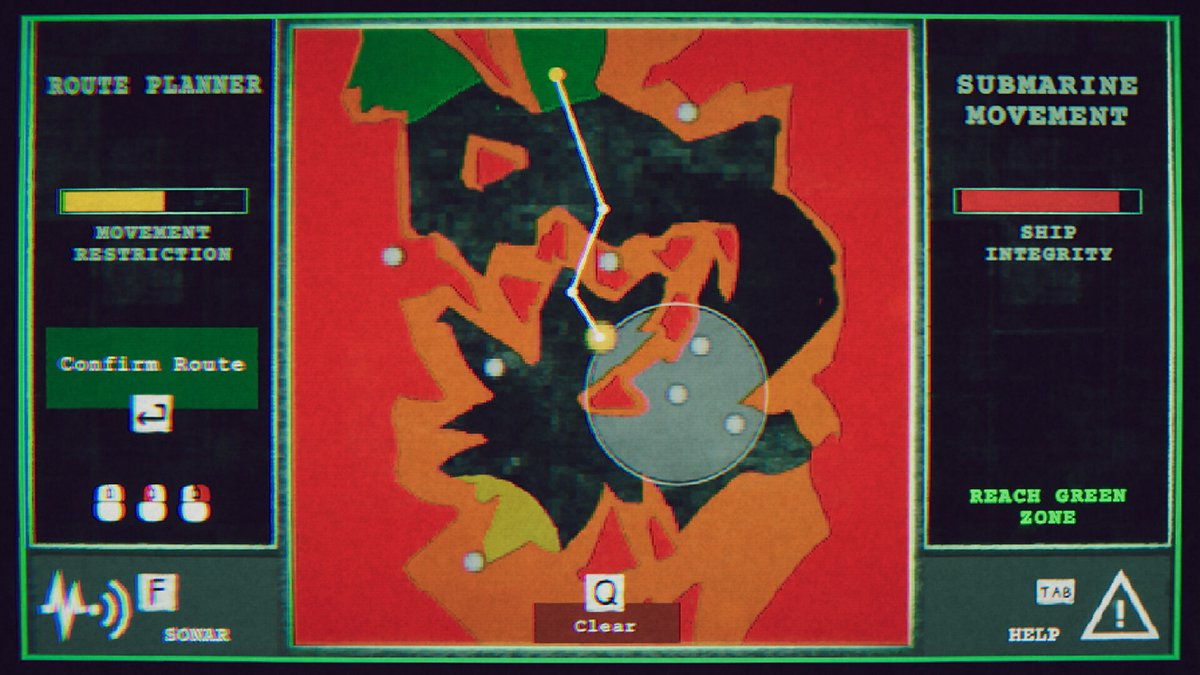
Hull Integrity runs out of 10 and routes chew through it based on distance and collisions.
The mistake is plotting a course, taking the damage, arriving at critical, and then trying to fix it. By then you’re one bad shift from done.
The Hull Repair Drone costs 3 Energy, needs Engineering, and restores 5 integrity. Look at the projected damage of a route and make sure the boat survives it before you hit confirm.
One more thing on routing that isn’t obvious. A wandering route gives you more range than the efficient-looking straight line.
Zone colors matter too, and some of them will block you outright.
Biohazard cleanup is a chore, not a boss fight
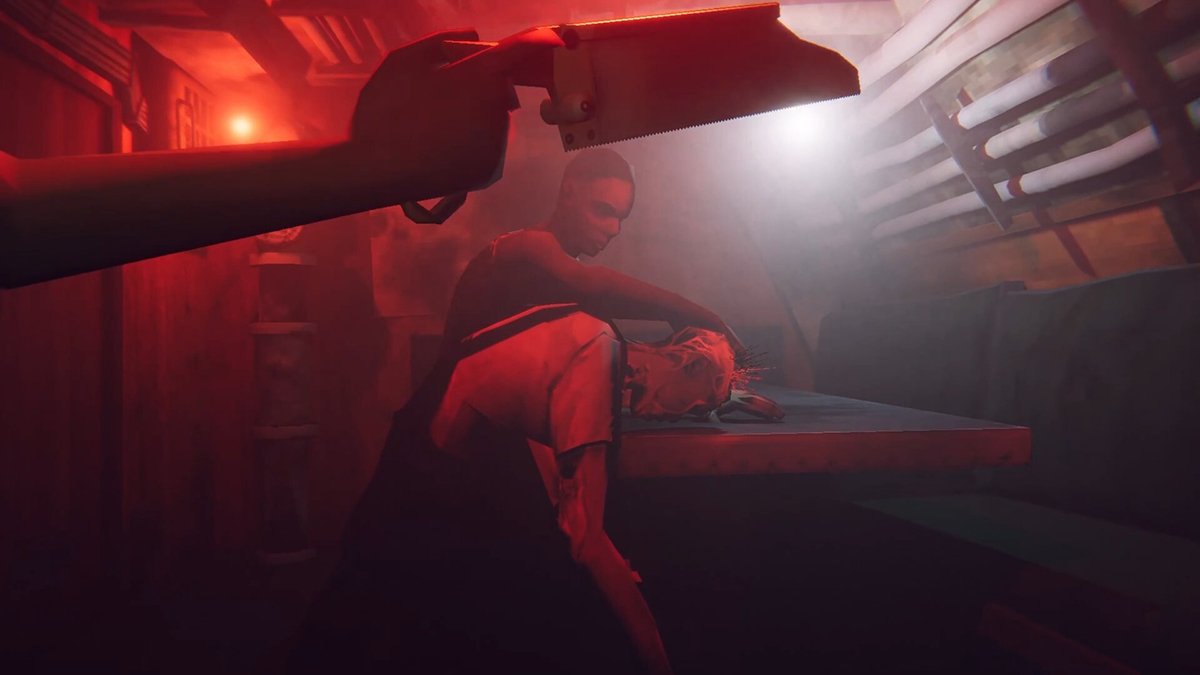
The Biohazard meter climbs on its own and it also sits out of 10 on the roster screen.
People panic at it and start treating cleanup like combat. It isn’t.
It’s a maintenance sequence you assign like any other task, and if you keep chipping at it on the roster it never becomes a crisis. Ignore it for a few shifts and it absolutely will.
Report to the captain before anything that feels final
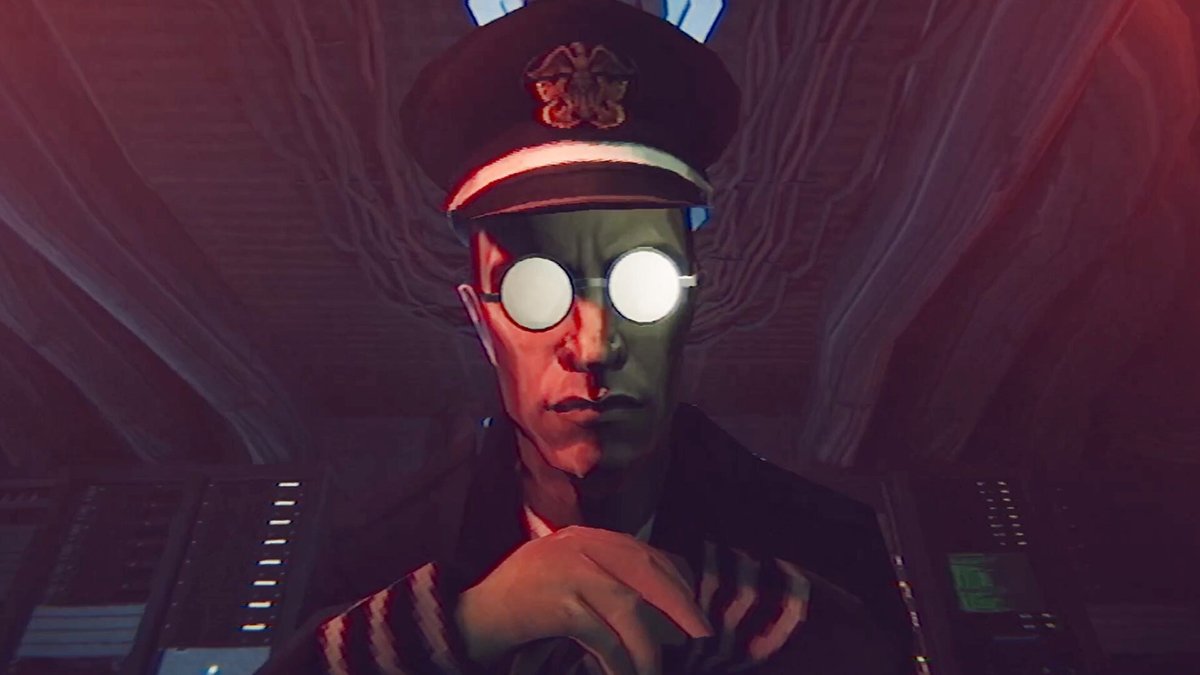
Reporting to the captain creates a manual checkpoint that sits separate from the autosaves.
Use it. This is a branching story with multiple endings, and the autosave will happily lock in a decision you made in ten seconds.
Any time the game gives you a choice that feels heavier than usual, go report first. Thirty seconds of housekeeping saves you an hour of replaying.
The Timmy decision is the fork, so slow down
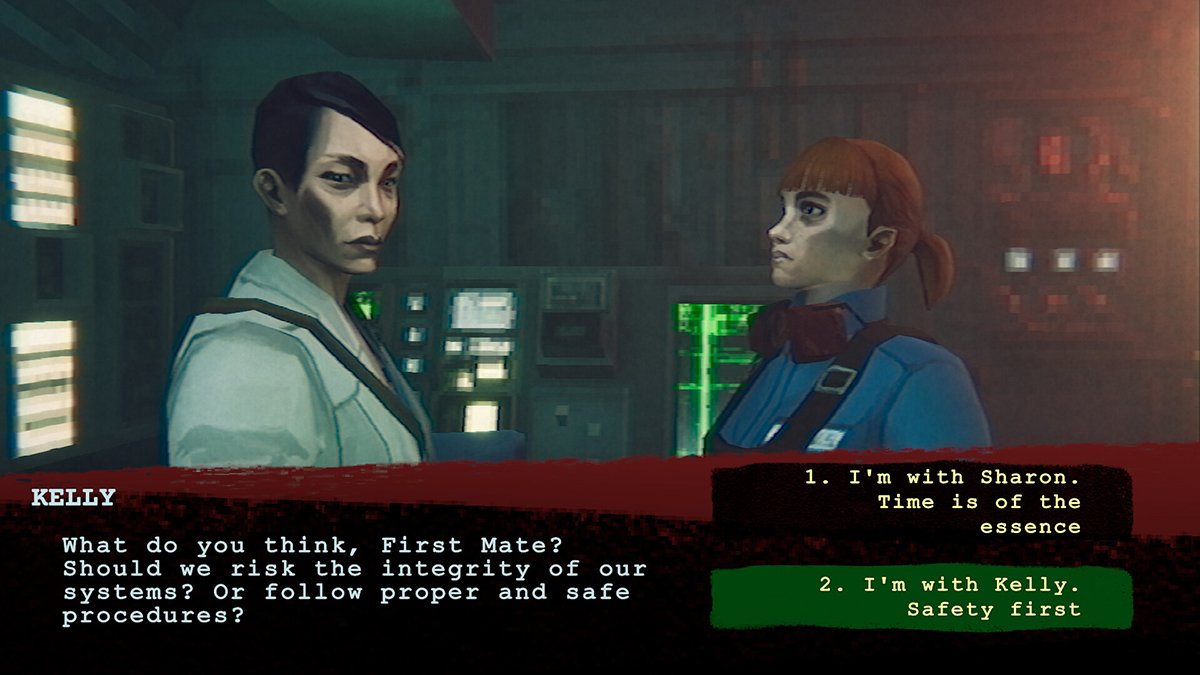
At some point you’ll deal with a crew member named Timmy and an infection problem.
I’m not going into what happens. What I will tell you is that this is the single biggest branch point in the game and it decides a lot about how your run ends.
Read everything on screen. Don’t click through it the way you’ve been clicking through routine roster cards.
Don’t chase endings on your first run
There are several routes out of this thing, including survivor, cultist, mutiny, a radio route that skips most of the game, and a rare best-case ending that takes real effort to reach.
There are also 45 achievements and 34 of them are hidden with no descriptions.
Seeing all of it means a lot of reloading, and the endings themselves land pretty abruptly. Play your first run honest and take whatever you get.
The first playthrough is the only one where the horror actually works on you.
Known bugs and where people get stuck
Patch 1.0.1 fixed a softlock in the Captain’s Quarters involving the coffee machine that triggered when you loaded an autosave. Make sure you’re updated.
The other common wall is around Sonar Shift 6, where players report progress stalling out.
Nine times out of ten that isn’t a bug. It’s an unread log, an unfinished sonar analysis, or a roster card you never cleared.
When you’re stuck in this game, go back and check those three things before you go looking for a patch note.
–
Images in this article are from the Static Dread: The Submarine page on Steam and used under Fair Use.
Want to start your own blog, a personal website or something for your small business or side hustle? Site Ground is the absolute best web hosting company out there
You Might Also Like...
Mouse Polling Rate 1000 vs 2000 vs 8000 Explained (What It Really Changes, and What to Use)

Mouse polling rate is one of those settings that sounds insanely importan (like flipping from 1000 Hz to 8000 Hz should instantly turn you into an esports god) but in real life it’s more nuanced. If…
How to Force Borderless Fullscreen in PC Games (Every Method That Actually Works)
If you've ever tried to alt-tab out of a PC game and watched your screen freak out for a solid five seconds, you already know why borderless fullscreen mode exists. It's the sweet spot between…
How to Fix Xbox Controller Not Detected on Windows 11
So you've sat down for a gaming session, grabbed your Xbox controller, and… nothing. Windows 11 acts like it doesn't exist. No vibration, no light, no input. Don't worry, you're not alone, and this…
Japanese Rural Life Adventure: Beginner Tips You Need to Know

Japanese Rural Life Adventure has finally made the jump from Apple Arcade to Steam, and if you're a fan of cozy farming sims like Stardew Valley or Harvest Moon, this one absolutely deserves a spot…
Under the Island Tips: The Ultimate Beginner’s Guide to Seashell Island
If you're just stepping onto Seashell Island for the first time, you're in for a treat. Under the Island is a 2D top-down action-adventure that wears its classic Zelda inspiration proudly, mixing…
Retrace the Light Tips: A Beginner’s Guide With Puzzle, Combat, and Exploration Tricks

If you’re looking for Retrace the Light tips or a quick beginner’s guide to Retrace the Light, the biggest thing to know is this: the game is built around a mindset shift. It’s not just “solve…
18 Indie Games that are Better than Most AAA Major Releases
Last updated December 31, 2025. There's been a massive explosion of amazing indie games in recent years. Having an alternative to the massive AAA games is always a good thing and many of these indie…
All Unicorn Overlord Characters: Recruitment Guide, Builds, and Missables
This master post rounds up every recruitable character in Unicorn Overlord, with an alphabetical list linked to a detailed guide for each character. You’ll also find practical tips on recruiting,…
The Top 10 Nintendo 64 Games You Need to Play
The Nintendo 64 launched after the Super Nintendo in 1996 and was Nintendo's first console with fully 3D 64-bit graphics. It's one of the most famous and well-recognized systems in videogame history,…
Golden Sun Djinn Guide and Djinn Location Guide
The Djinn system in the Game Boy Advance classic, Golden Sun, introduces a novel and intricate layer to the traditional RPG formula, setting it apart from its contemporaries. This system not only…
The Top 10 Super Nintendo Games You Still Need to Play
The Super Nintendo Entertainment System (SNES) is a legendary video game console that holds a special place in the hearts of gamers around the world. Released by Nintendo in 1990 (in Japan) and 1991…