
FROGBLOCK looks like the gentlest puzzle game on the planet. You are a tiny frog hopping around a little floating diorama, and somewhere in that scene sits a glowing artifact waiting for you to grab it.
Then the levels start twisting your brain into knots.
This cozy perspective-puzzle game from a small indie team at Babolo (developer nicksgamedev) is out on Steam, iOS, and Android, and it hides a real challenge behind that adorable frog.
The trouble is that there is no hint system, so when you get stuck, you are on your own. That is where this guide comes in.
These tips will smooth out the early hours and stop you from staring blankly at a level wondering what on earth the game wants. Let’s hop in.
Know exactly what each level is asking
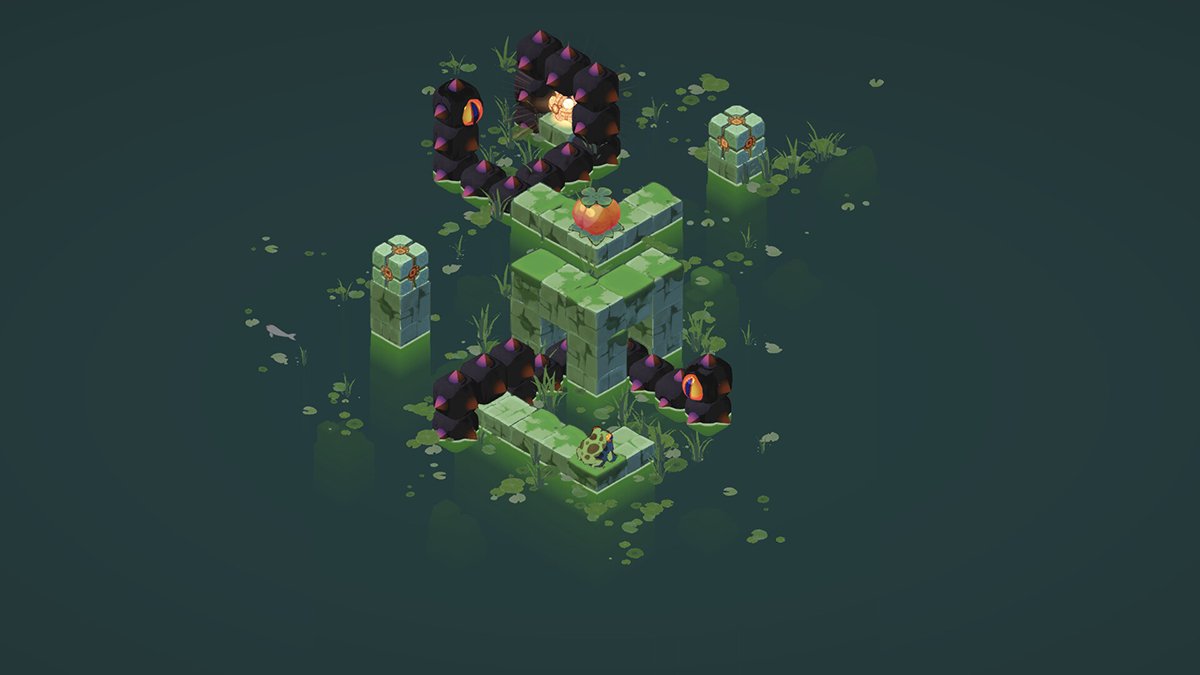
Every level has one job: reach the Shiny Artifact and swat it with your tongue. That is the win condition, every single time.
Weirdly though your frog cannot jump across gaps, so you will never solve a puzzle by leaping over a hole.
Solutions come from three tools: rotating your view, moving blocks, and stretching your tongue.
Once that sinks in, the puzzles stop feeling like guesswork and start feeling like a system you can read.
Rotate the camera before you move a single step
Perspective is the heart of FROGBLOCK. You can spin the whole scene around, and paths that look broken from one angle line up perfectly from another.
If you have played FEZ, this will feel familiar.
A ledge that sits far across a gap can visually connect to your frog the moment you rotate to the right viewpoint, and then it becomes a path you can actually walk.
Before you take any action, rotate all the way around the diorama. Check every side, because the solution is often hiding on the one angle you have not looked at yet.
This is the single most important habit in the whole game.
Nine times out of ten, the answer to “I am stuck” is simply a camera angle you have not tried.
Zoom in and out to catch what you’re missing
The dioramas are small, but they pack in a surprising amount of detail.
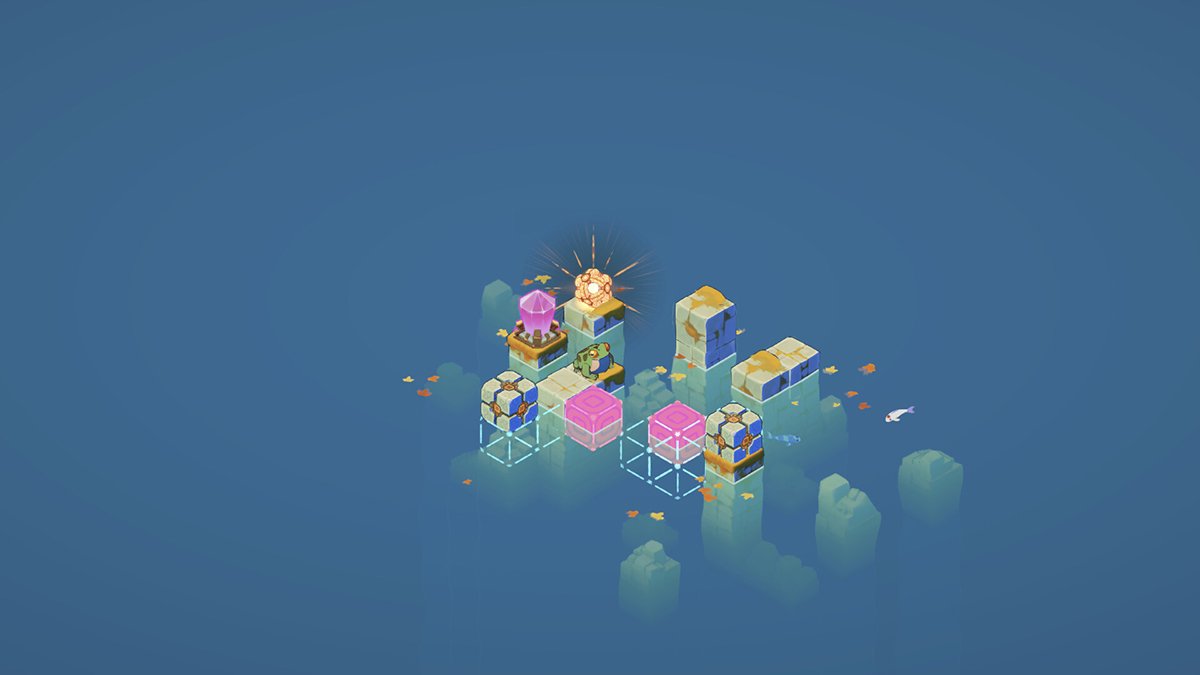
Zooming in helps you spot fruit, blocks, and narrow ledges that blend into the scenery.
Zooming out gives you the full layout so you can plan a route across the entire level at a glance.
Get into the rhythm of doing both before you commit to a move.
Use Frogblocks to build paths that aren’t there
Rotating reveals paths that already exist in the level. The Frogblocks, those portable ancient stones, let you create paths that don’t.
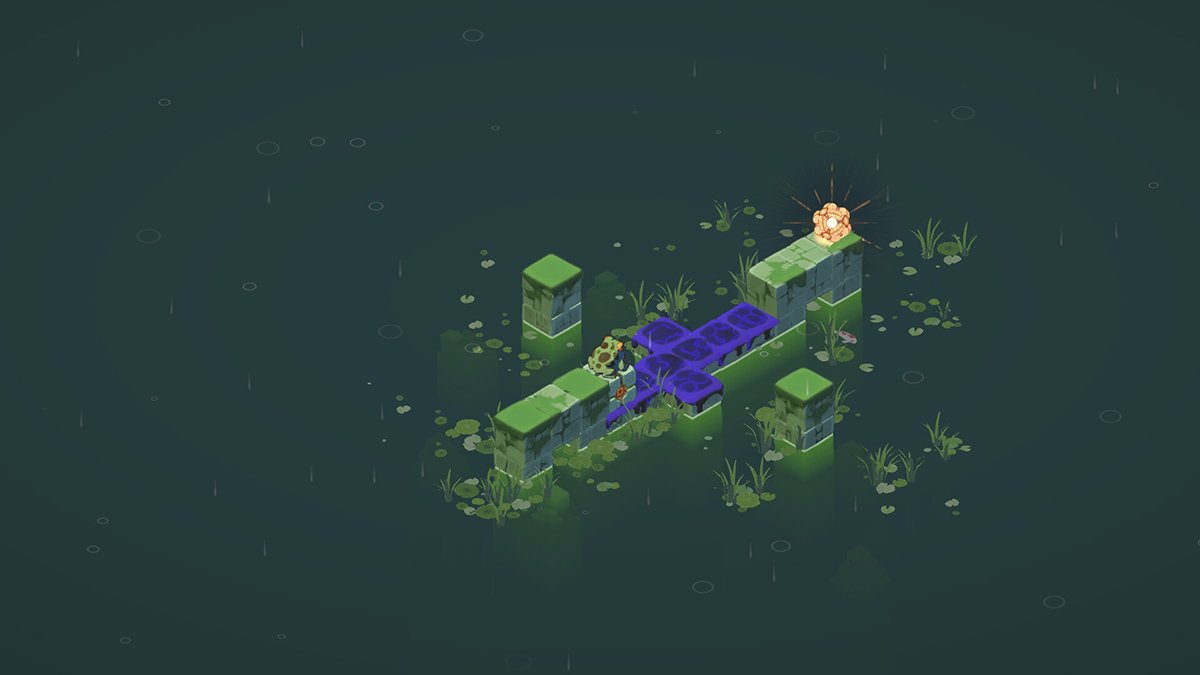
You can push and reposition these blocks to bridge a gap or build yourself a stepping stone exactly where you need one.
When rotating alone refuses to connect two ledges, a block almost always fills the missing piece.
The smartest puzzles ask you to combine both ideas.
You rotate to set up the angle, then slide a block into place to complete a route that only works from that one specific perspective.
Eat the fruit to stretch your tongue
Dotted around many levels are small pieces of fruit that look like little tomatoes. Eating them extends your tongue’s reach.
This matters more than it first appears.
Sometimes you do not need to physically stand next to the artifact at all, you just need a long enough tongue to swat it from a few tiles away.
So if a level looks like it has no possible path to the goal, stop and ask a different question.
The real solution might be grabbing fruit first and reaching across the gap instead of crossing it.
Plan the whole route before stepping on poison
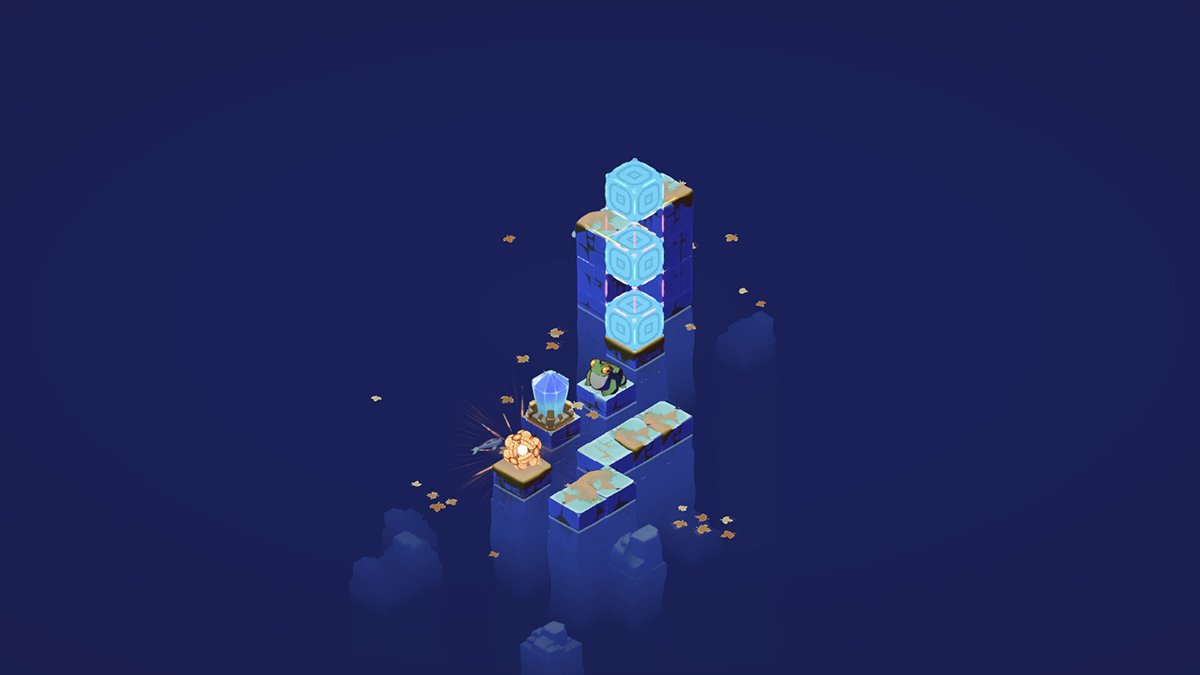
As you progress, levels start adding poison hazards, and this is where careless moves get punished hard. Step onto the wrong tile and you can strand yourself with no way back to solid ground.
Most early moves in FROGBLOCK can be undone, but poison can leave you genuinely stuck and force a restart.
Map out your entire route in your head first, then move with purpose.
Treat these stages like a chess problem. Think two or three hops ahead rather than feeling your way forward one tile at a time and hoping it works out.
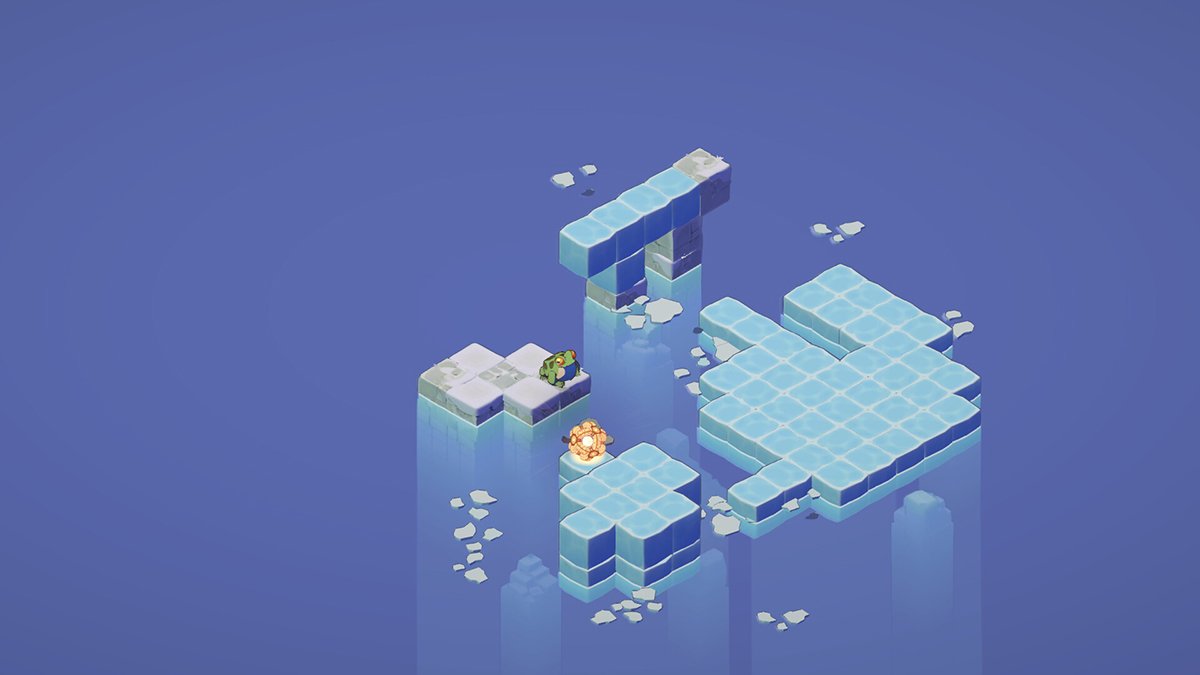
Slow down on the ice
Icy surfaces add a slippery twist to the later worlds.
When you step onto ice, your frog keeps sliding until it hits a wall, a block, or solid ground.
That sounds frustrating, but the movement is completely predictable once you expect it.
You can use the slide on purpose to cross long stretches your frog could never hop across normally.
Line up where you want to stop before you launch yourself. If you need to halt at a precise tile, drop a Frogblock first and use it as a bumper.
Expect new mechanics as you move through the worlds
FROGBLOCK is split across four seasonal worlds, from lily ponds and swamps to autumn lakes and icy peaks. Each one looks distinct and brings its own twist to the puzzles.
The game teaches gently.
Early levels stick to simple rotation, then new mechanics like blocks, fruit, poison, and ice get layered in one at a time as you go deeper.
So if a fresh mechanic shows up and a level suddenly feels harder, that is by design.
Slow down, play with the new element on the easy puzzles, and you will understand it before the tough ones arrive.
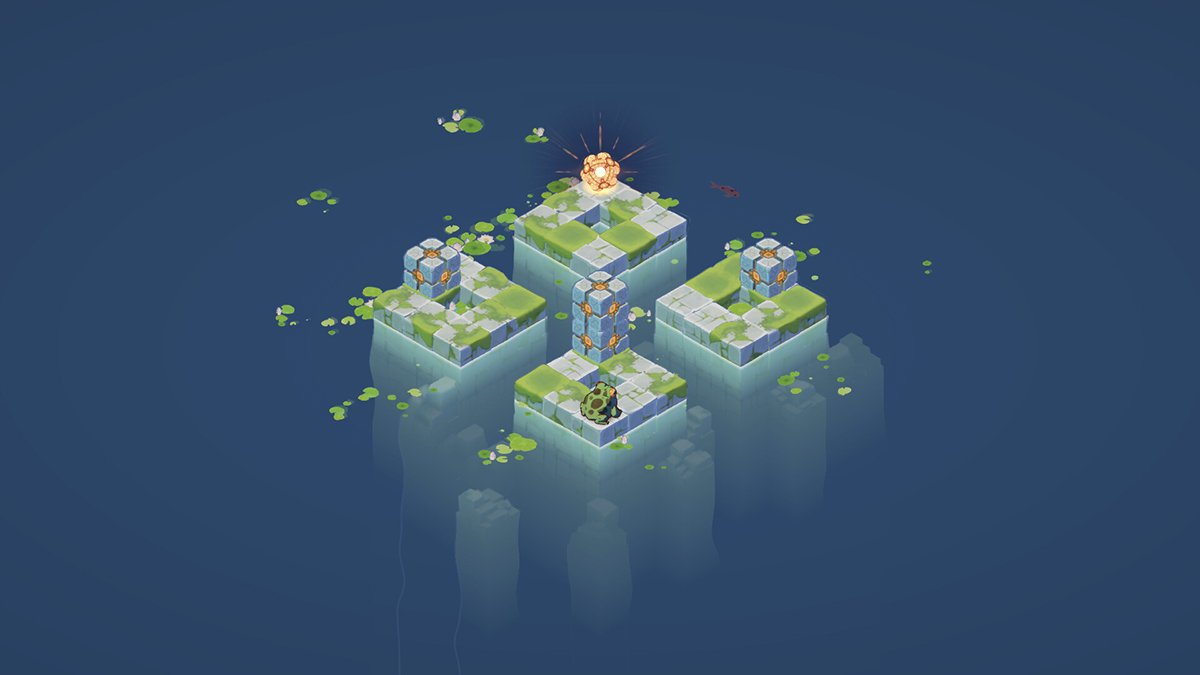
Keep an eye out for Secret Stickers
Tucked away in the ruins are optional Secret Stickers.
They are pure collectibles, not requirements, so you can clear any level without finding a single one.
If you enjoy a completionist hunt, rotate the camera around each scene and look for stickers hidden behind blocks or tucked into corners.
They often sit in spots you only notice from one specific angle, which makes them a fun excuse to use the perspective mechanic.
Do not stress about grabbing every sticker on your first run. You can always revisit a level later once you have more practice.
Skip levels when you’re stuck (it’s allowed)
FROGBLOCK lets you jump around levels freely instead of locking you behind one puzzle you cannot crack. This is a genuinely great touch for a puzzle game.
If a level has you completely stumped, skip it and come back later.
Returning with fresh eyes solves more puzzles than grinding on the same one for an hour straight.
With no hint system in place, this skip option is your built-in pressure valve. Use it without an ounce of guilt.
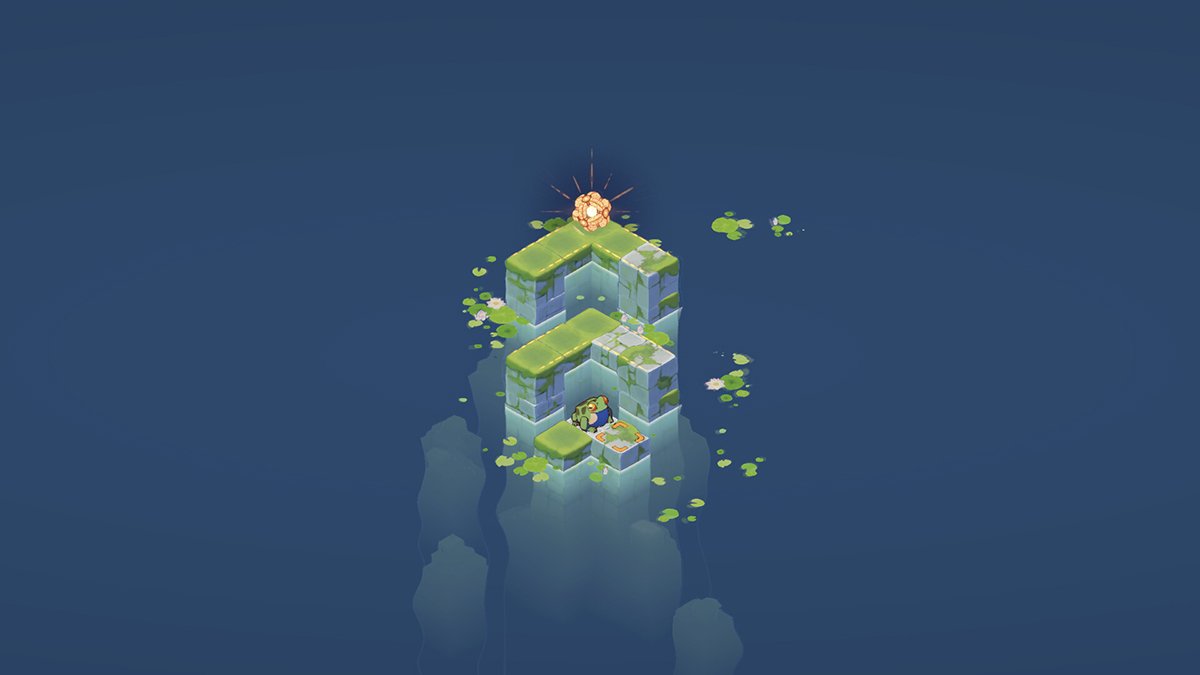
Play with a controller if you’re on PC
The keyboard controls on the Steam version feel clunky, and plenty of players bounce off them in the first few minutes. A controller makes a real difference.
Movement and camera rotation are far smoother with a gamepad, and the game runs beautifully on Steam Deck.
If you have a controller within arm’s reach, plug it in before you even start.
One small heads-up: try not to mix keyboard and controller inputs in the same session.
Switching between them mid-level can occasionally cause the inputs to stop responding.
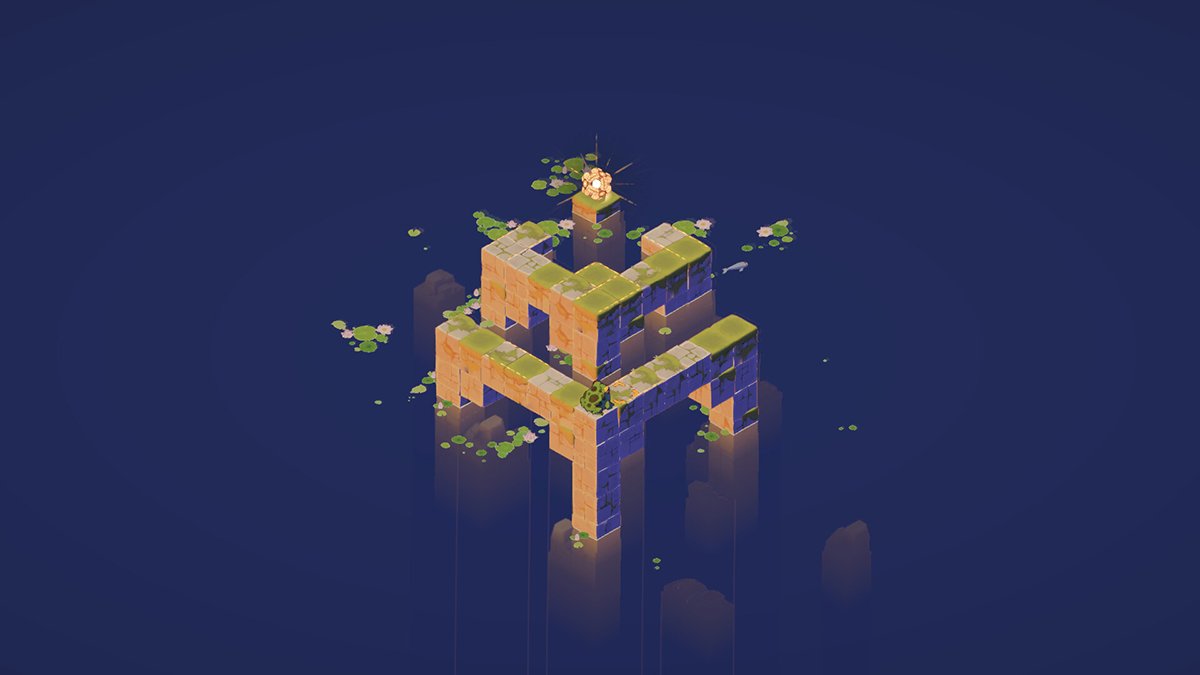
Take it at your own pace
FROGBLOCK rewards patience over speed.
The best moments come from that “aha” flash when a hopeless-looking level snaps into focus after one more camera spin.
Relax, rotate, experiment, and let the puzzles breathe. With these tips in your back pocket, you will be collecting artifacts and tracking down hidden stickers in no time.
If you like cozy games like this one, check out our Under the Island tips for another puzzle-filled adventure, or our Mika and The Witch’s Mountain guide if you want something relaxed and charming to play next.
–
Images in this article are from the FROGBLOCK page on Steam and used under Fair Use.